Good database design is driven by several core principles:
- Minimize redundancy: To save resources, create an efficient database, and simplify how the database works, data redundancy is minimized and duplication is avoided.
- Protect accuracy: Your database should keep information accurate and reduce the likelihood of accidentally damaging information.
- Be accessible: The business intelligence systems that need reading and writing access should have it. Your database should provide access while also protecting data security.
- Meet expectations: Of course, you keep a database to fulfill a specific purpose—so the database design must successfully support your data processing expectations.
Your database should take into consideration what stakeholders in your organization need from their data. For this reason, it’s a good practice to include them in your database design process.
Determining your goals for your database
Bring in stakeholders
Who should you invite feedback from on your database design? Think about end-users within your organization, including team members, project managers, devs, and other internal stakeholders, as well as your external stakeholders such as business customers or power users. Before you get too far into mapping out your goals and beginning the design process, think about stakeholders who should be involved and how to involve them.
This stakeholder involvement not only prevents possible backlash by avoiding designs that others in your organization would see as a bad fit. It also brings you more ideas, best practices, and experience to potentially draw from that can save resources and improve the outcome.
Gather information to help with your decision
Ask yourself some pointed questions to determine the database you need. First, though, you should start gathering information that will help you with this process and decision.
- Forms: Collect the forms using data that will go in the database.
- Processes: Review each process involved in collecting or processing data for the database. You’ll need to have these processes available for reference as you plan your database.
- Types of data: Any data fields you’d gather and store in your database, such as customer contact information for a database of customers: name, email address, address, city, state, and zip code. Your data should be broken down into basic pieces, removing any complexity.
SQL vs NoSQL
Structured Query Language (SQL) allows you to interact with a database and make meaningful use of its data. Often, databases are categorized as SQL or NoSQL (Not Only SQL). NewSQL has properties of both. There are unique pros and cons to these options, so think about how your database’s characteristics enable or restrict how you use them.
SQL
Otherwise known as a relational database, SQL databases are made up of tables of data along with the relationships among the data fields. These are traditional databases, and they’re popular for many different database use cases, but they’re also difficult to scale vertically. You can horizontally scale SQL databases, but this isn’t appropriate for every database use.
Today, many types of data need to be stored and managed in a more streamlined way—with databases that don’t have the same requirements and expectations associated with SQL and ACID compliance.
One example of where SQL gets into trouble with large-scale data is with atomicity. A relational database can’t function well without restricting “write” activity and managing it carefully with bookkeeping in the background to ensure data integrity. As you scale, these management activities can be difficult to expand and adapt, which can be a problem for certain Big Data projects.
NoSQL
As noted earlier, it’s “not only SQL” rather than “no SQL,” so you can have a NoSQL database with some relational components that are structured with SQL. NoSQL databases run the gamut in terms of how data is stored and structured. With NoSQL, though, you do have some component of your database that’s not managed by SQL.
Data models
Aside from choosing SQL or NoSQL, you need to think about the data model you’ll use:
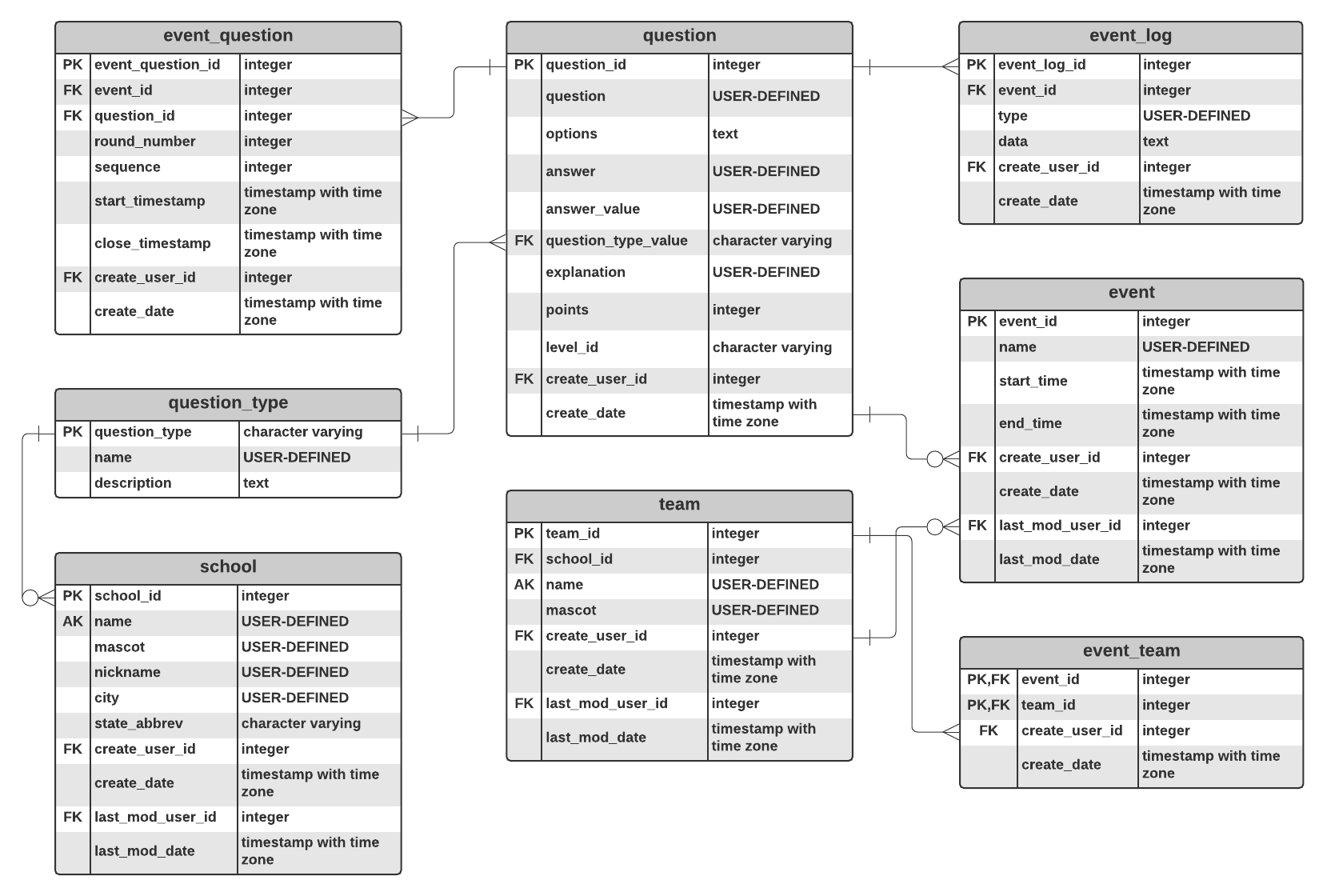
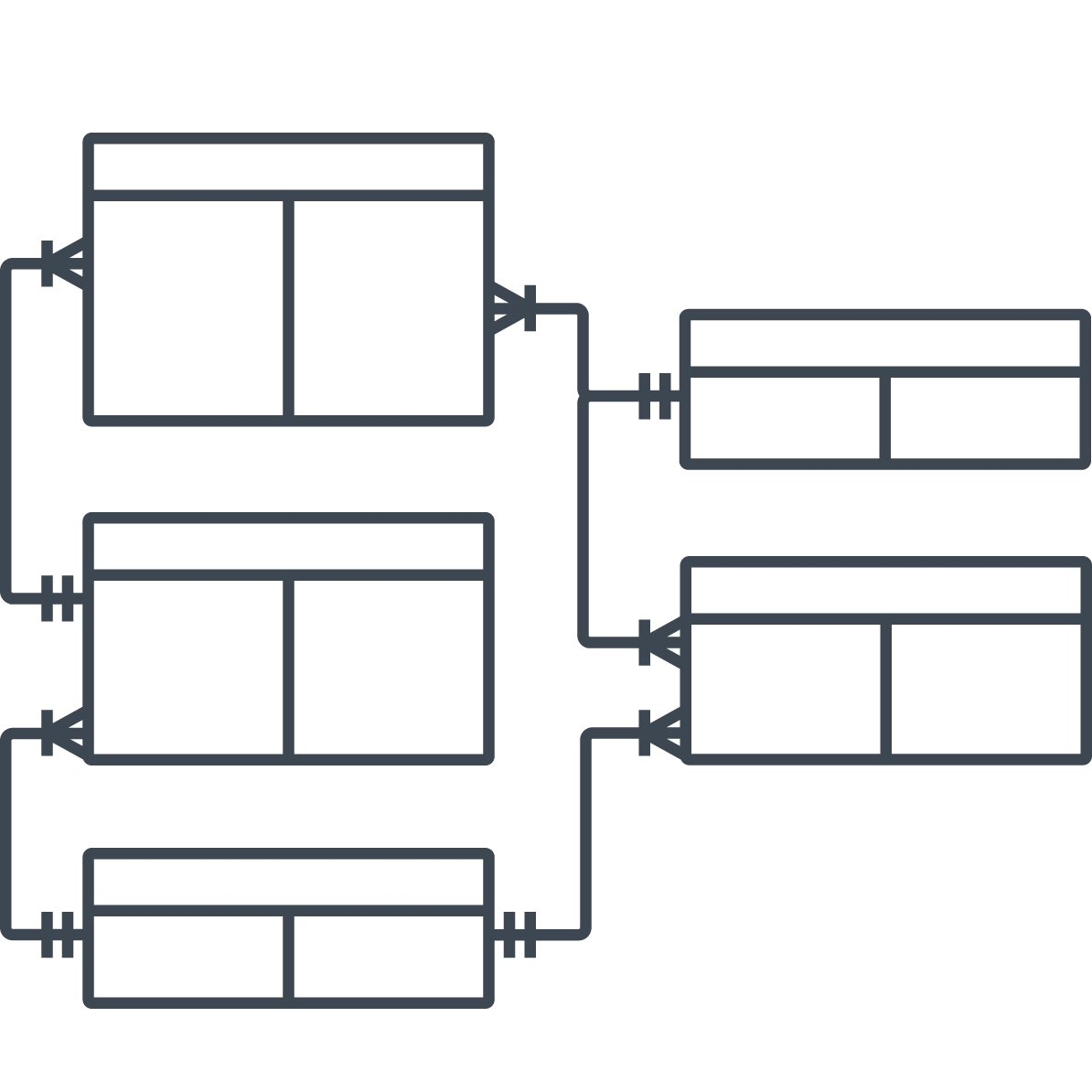
- Relational database: All relationships are already defined in a relational database, connecting together tables with columns and rows of data. With this type of database, you can use your data in many different ways without rearranging it. This is great for many complex use cases involving situations where you need to store data with many different relationships, such as product names along with product information.
- Hierarchical database: A one-to-many, tree-like data structure. For a hierarchy (hence the name), hierarchical databases make a lot of sense. You could create a database with department names, and each department can be associated with a list of employees who work there.
- Network database: Like hierarchical databases, network databases can have a parent record associated with multiple child records. Network databases can also have multiple parents associated with a single child, however, adding flexibility for some uses. If you visualize a network database, it will look something like a net or web of interconnected records.
- Object-oriented database: This last type of database uses objects rather than tables, which relational databases use. With object-oriented databases, object-oriented programmers can purposely build the databases they need.
Database design best practices
When you’re ready to design your database, keep these best practices in mind.
1. Keep it simple
As you design, think about your users. Put usability at the forefront and ensure that everything is as easy and straightforward as possible for the end-user, even if that means more work for you upfront.
- Use standardization: Stay consistent with naming conventions and avoid abbreviations. You want to create a standard and stick with it throughout your database.
- Consider future modifications: The database is a living thing in the sense that it should be modifiable later.
- Keep technical debt in check: Don’t leave too many potential messes for users to workaround or for future devs to resolve.