Bringing a product to market requires intense collaboration across teams. One of the most difficult points of the process is catalyzing meaningful communication between designers and developers. And if you’ve met any designers and developers in your life, you can imagine why.
Designers and developers have different skills, perspectives, and preferences for how they work. Their personalities are different. Their workspaces are different. The way they communicate is different. All of these differences can make handoffs difficult.
Because design handoffs are so important, we’ll cover the common mistakes designers and developers make during them, why it’s so important that handoffs go well, and some best practices for designer/developer handoffs.
Why are design to development handoffs so important?
Handoffs between designers and developers are critical moments in product life cycles because they signal a product or feature moving from the dreaming stage to the doing stage. It’s similar to making sure a construction crew understands the blueprints to a house. Here’s why it’s so important to get developer handoffs right:
-
They can prevent, or cause, rework down the road. Getting your product or feature right the first time prevents wasted time and money.
-
They affect time-to-delivery. Preventing back-and-forth between designers and developers is a great way to prevent delivery from being stalled.
-
They affect quality of delivery. Miscommunication impacts the end product and results in back-and-forth fatigue (that’s not an official term, but it should be).
-
They can clarify missing information. Often, developers have questions that haven’t been considered by designers because they’re approaching a solution from two different angles. A great handoff addresses those gaps in information.
Common pitfalls to avoid during designer/developer handoffs
Handoffs can go very wrong very quickly, which may seem strange because they seem straightforward. Here are some examples of what can happen if the handoff isn’t conducted carefully:
-
Bad communication: This is the number one pitfall, and it largely stems from both sides making assumptions about the solution. Designers and developers also have very different vernacular, so it’s easy for miscommunication to occur.
-
Disagreement about problems and solutions: Developers can dismiss solutions if they aren’t explained correctly.
-
Being overprotective of work: Sometimes, a design just isn’t practical. Developers may need to tweak things and that can ruffle the feathers of the design team.
-
Too much detail or too little detail: Too much detail doesn’t leave room for the developers to implement the solution to the best of their abilities, but too little detail means they’re forced to fill in gaps to their best judgment.
-
Keeping designers and developers in silos: Without collaboration, the product will suffer from lack of insight and potential code issues.
Best practices for designer to developer handoffs
Now that you’re worried about ruining the handoff, we’re here to assuage your fears. There are many best practices that you can implement to make your handoffs as smooth as possible. Here are some of our best suggestions:
Don’t think of a handoff as a single occurrence
Sometimes, a “handoff” implies something going from one party to another party permanently, like a home being sold from one owner to another. But that’s inaccurate in this case: a “handoff” is really a series of back-and-forths. Until the product is complete, the handoff isn’t permanent.
Include developers early in the process
It’s tempting to take too much ownership of a product, and that means that the designers work in a silo, hand it off to the developers, and wave goodbye. But that only serves to alienate developers and reduce their interest in (and subsequently the quality of) the solution.
The trick is to include developers in the design of the product itself. This helps developers better understand the vision of designers from the beginning and helps them better implement the design down the road.
Include everyone in the ideation or brainstorming phase
Brainstorming can easily be a collaborative process. Lucidspark allows for all stakeholders to be involved in this critical phase of development and gather buy-in from all teams to eliminate issues before they make it into the design. Brainstorming exercise can, and should, happen in real time so everyone takes ownership and provides immediate feedback on ideas.
Use visuals
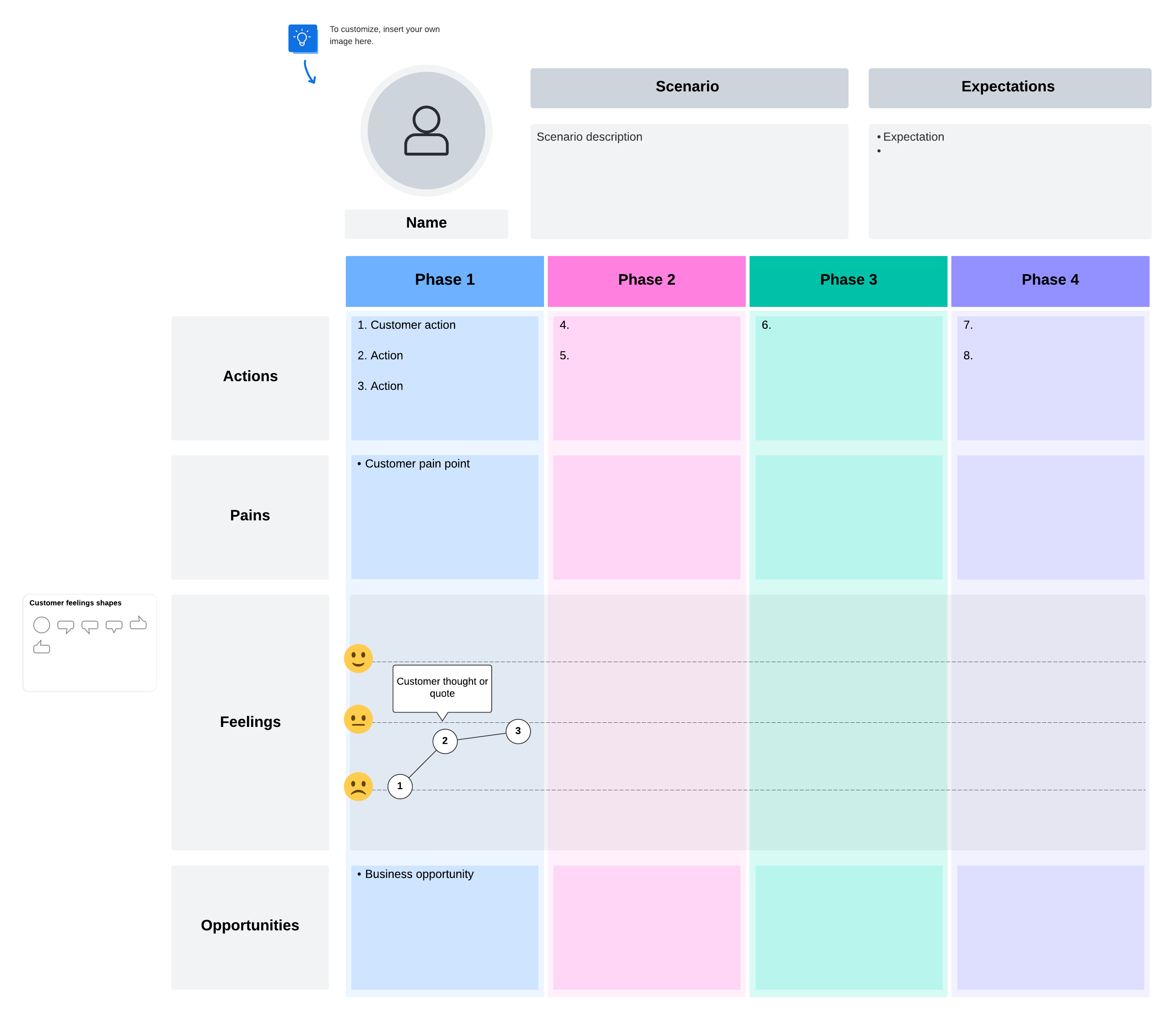
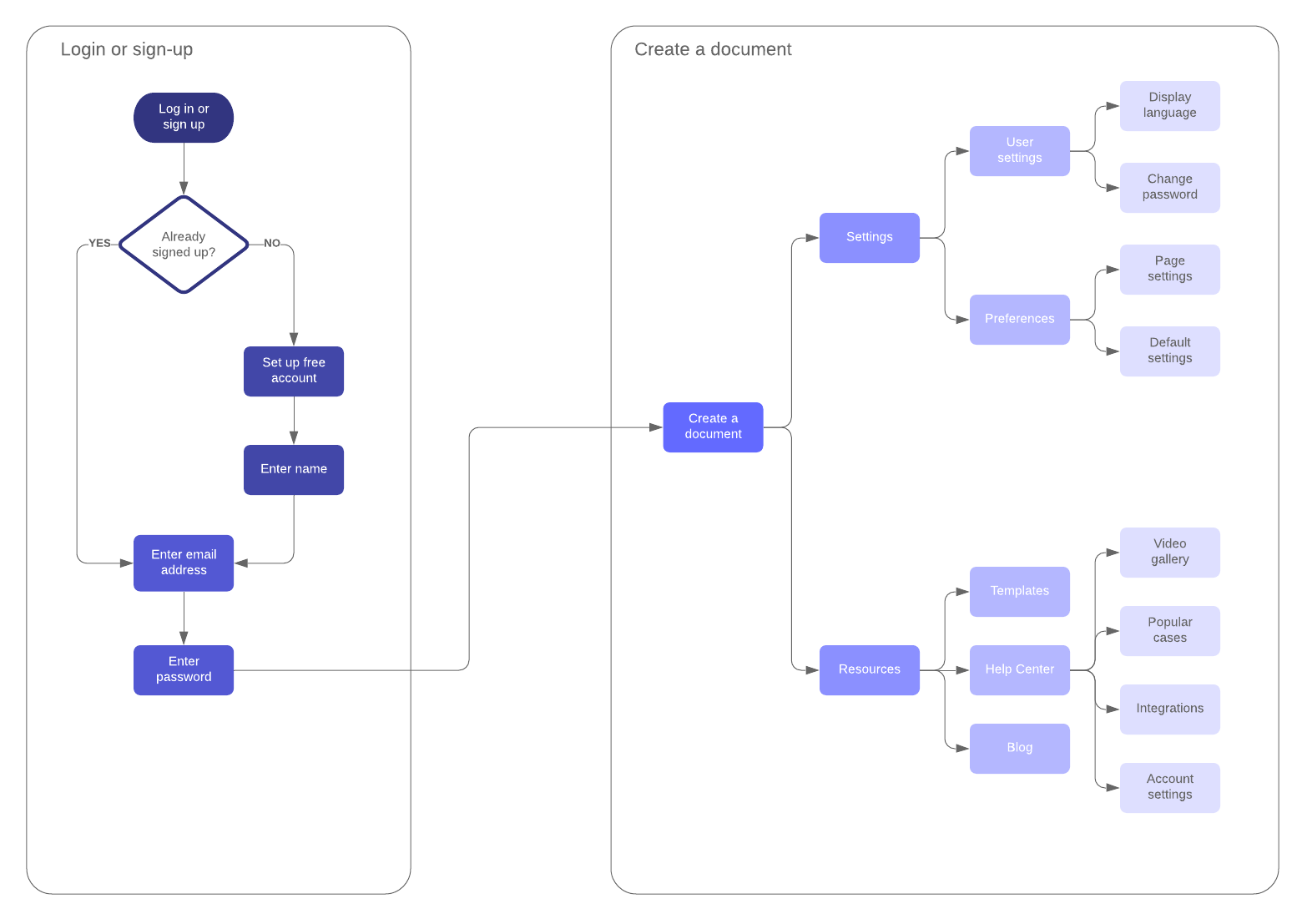
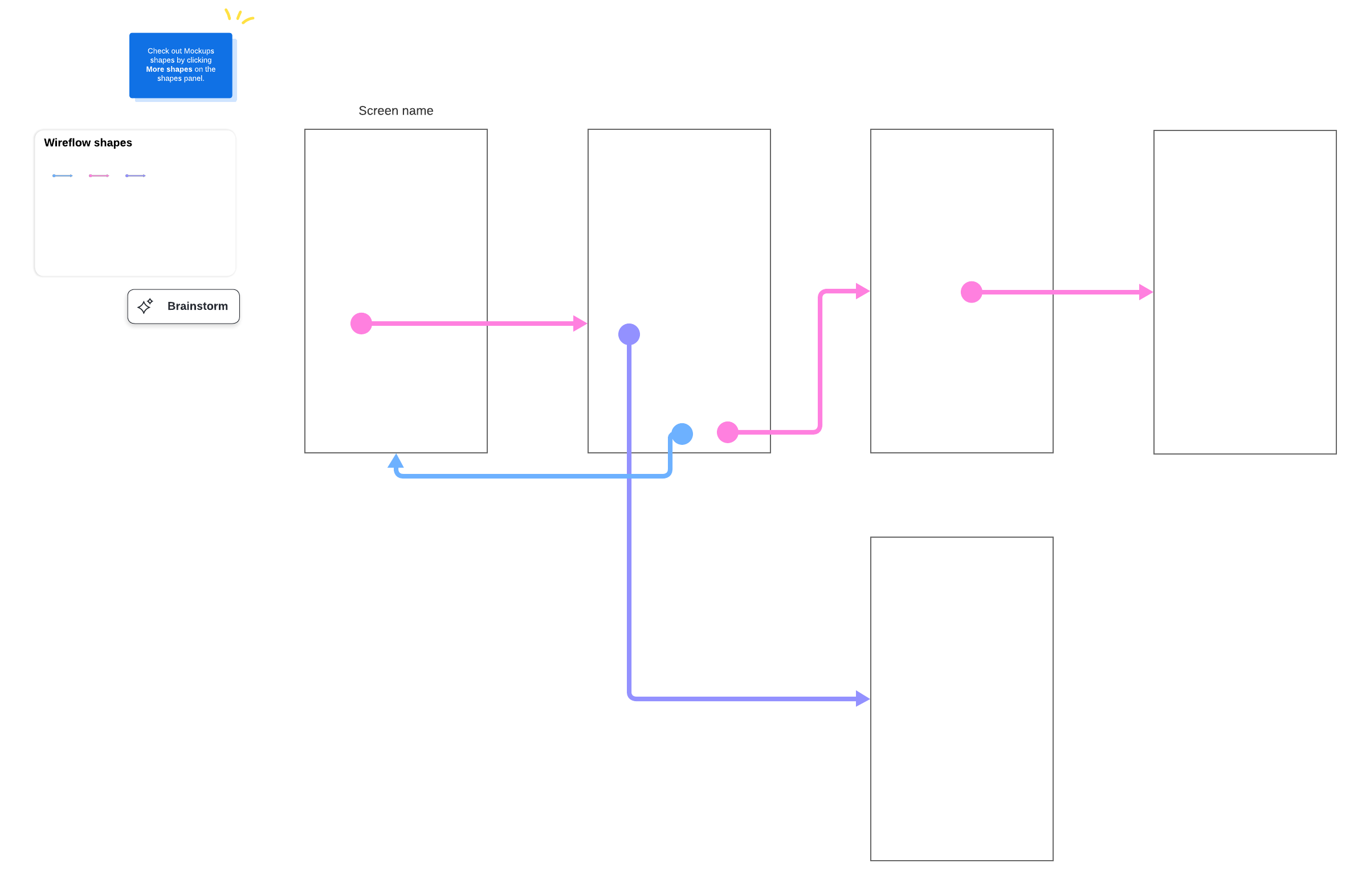
Assuming developers know what designers are talking about is a huge risk. Instead, use an intelligent diagramming application such as Lucidchart to show instead of tell. It’s much easier for developers to immediately understand when they have a visual representation of the solution right in front of them. It’s important to share everything from customer journey flows to screen designs with developers so they have context and a visual understanding of design.
Get a head start on this tip with the templates below.