Lucidchart, a cloud-based intelligent diagramming application, is a core component of Lucid Software's Visual Collaboration Suite. This intuitive, cloud-based solution empowers teams to collaborate in real-time to build flowcharts, mockups, UML diagrams, customer journey maps, and more. Lucidchart propels teams forward to build the future faster. Lucid is proud to serve top businesses around the world, including customers such as Google, GE, and NBC Universal, and 99% of the Fortune 500. Lucid partners with industry leaders, including Google, Atlassian, and Microsoft. Since its founding, Lucid has received numerous awards for its products, business, and workplace culture. For more information, visit lucidchart.com.
With our diagramming software, it’s easy to learn how to make a tree diagram in Word. Drawings in Word can get messy, but our diagramming tool includes templates, intuitive features, and Microsoft integrations to help you easily build your diagram and insert it.
By registering, you agree to our Terms of Service and you acknowledge that you have read and understand our Privacy Policy.
You have to make a tough business decision and have the data to help you determine how to move forward. But making the right choice may feel daunting or even impossible, especially when you have so many factors to consider.
That’s where decision tree diagrams come in. Decision trees help you weigh your options and standardize decision-making processes for your entire company. But in order to share them effectively, you need to build and store them in an app that everyone uses—an app like Google Docs.
Use this guide to learn two approaches to make a decision tree in Google Docs:
Option #1: Use Lucidchart to add decision trees into Google Docs
Start diagramming your decision tree faster with Lucidchart’s integration with G Suite. Drag and drop shapes, use customizable templates, and include your decision tree in context with Lucidchart’s free add-on for Google Docs. For more detailed instructions, use our step-by-step guide on how to make a decision tree diagram.
How to insert your decision tree with the Lucidchart add-on
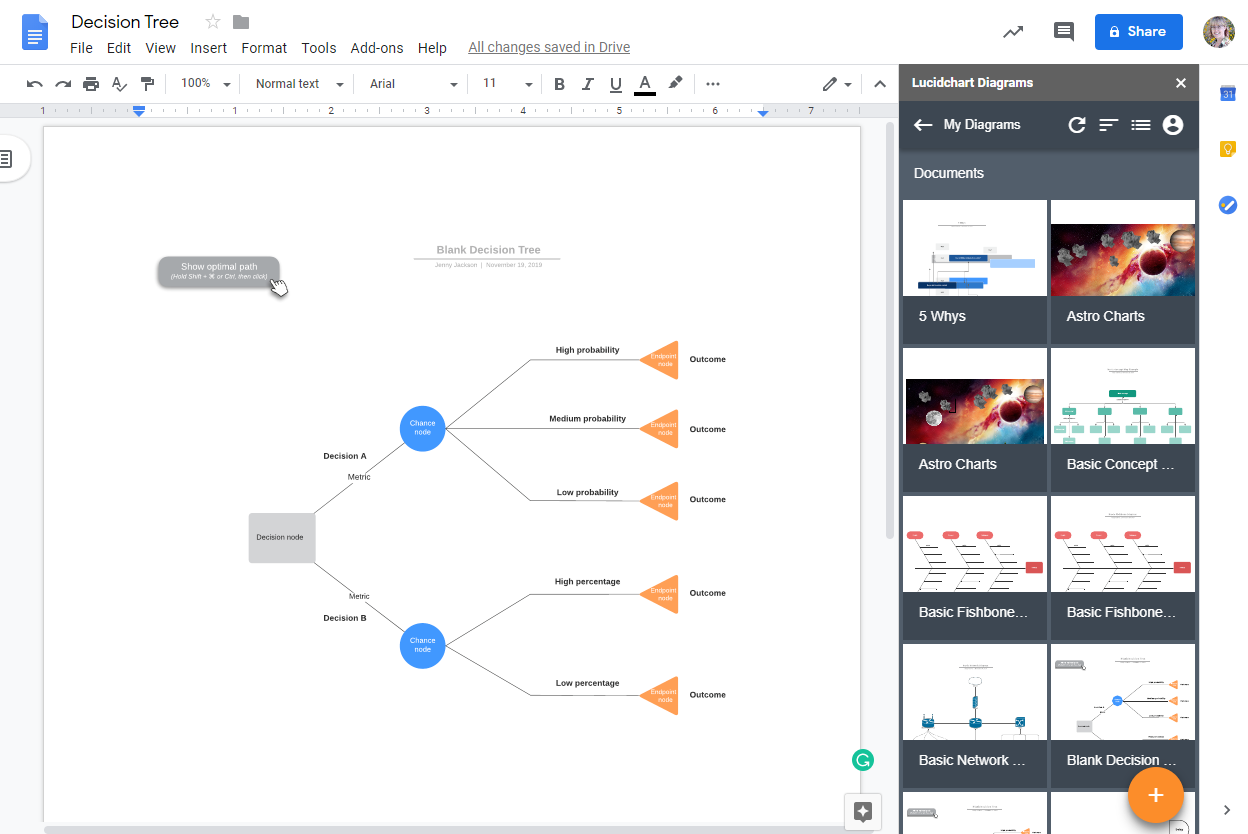
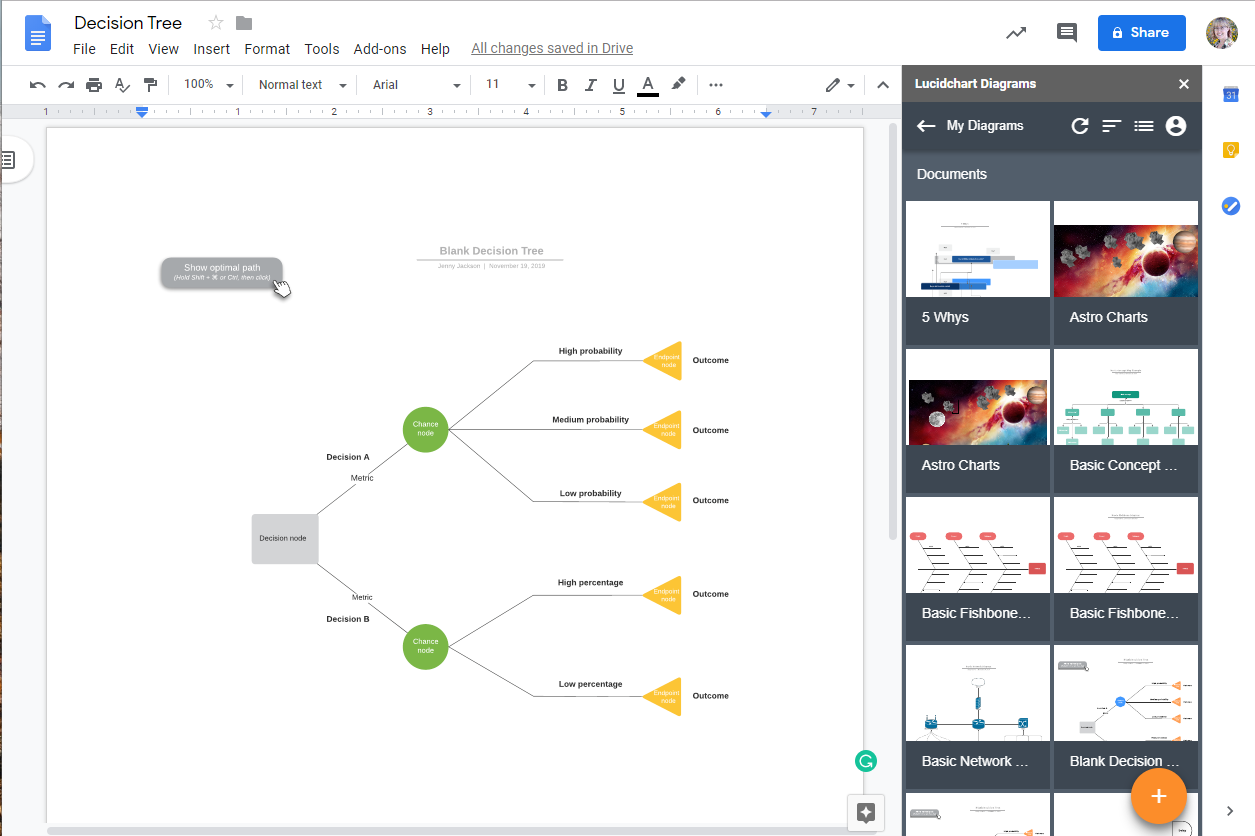
The Lucidchart add-on makes adding a high-resolution image of your decision tree to your Google Doc quick and simple.
Open your Google Doc.
Go to Add-ons > Lucidchart Diagrams > Insert Diagram.
Find the diagram you want to insert.
Click the “+” button in the corner of the picture. A preview will appear.
Click “Insert.” Now your decision tree should be in your Google Doc.
Create a new decision tree in Google Docs with the add-on
Easily access the Lucidchart editor with the add-on to make your decision tree diagram and add it to your doc. Integrate data into your decision tree diagram and update it as needed as you consider new information.
Open a fresh Google Doc.
Go to Add-ons > Lucidchart Diagrams > Insert Diagram.
Select the orange “+” button icon at the bottom of the panel.
Use a suggested template to customize or a blank document from the pop-up window.
Build your decision tree diagram within the Lucidchart editor.
Go back to your Google Doc and select your newly created decision tree.
Click the “+” in the corner of the picture.
Select “Insert” to add your decision tree to the Google Doc.
How to update your decision tree using the Lucidchart add-on
You don’t have to reinsert your decision tree every time you add new options or data—simply use the Lucidchart add-on to quickly update diagrams in your Google Doc.
Open your Google Doc.
Go to Add-ons.
Go to Lucidchart Diagram > Update Inserted Diagrams. All of your diagrams are now up to date!
For additional help installing the Lucidchart add-on, visit the Help Center or watch the video tutorial below.
Option #2: Use Google Drawings to make a decision tree in Google Docs
It is possible to make a decision tree diagram directly in Google Docs using Google Drawings. Each of these options is more time-consuming and will be harder to customize than a decision tree created in Lucidchart.
How to make a decision tree with Google Drawings
Create a new Google Doc.
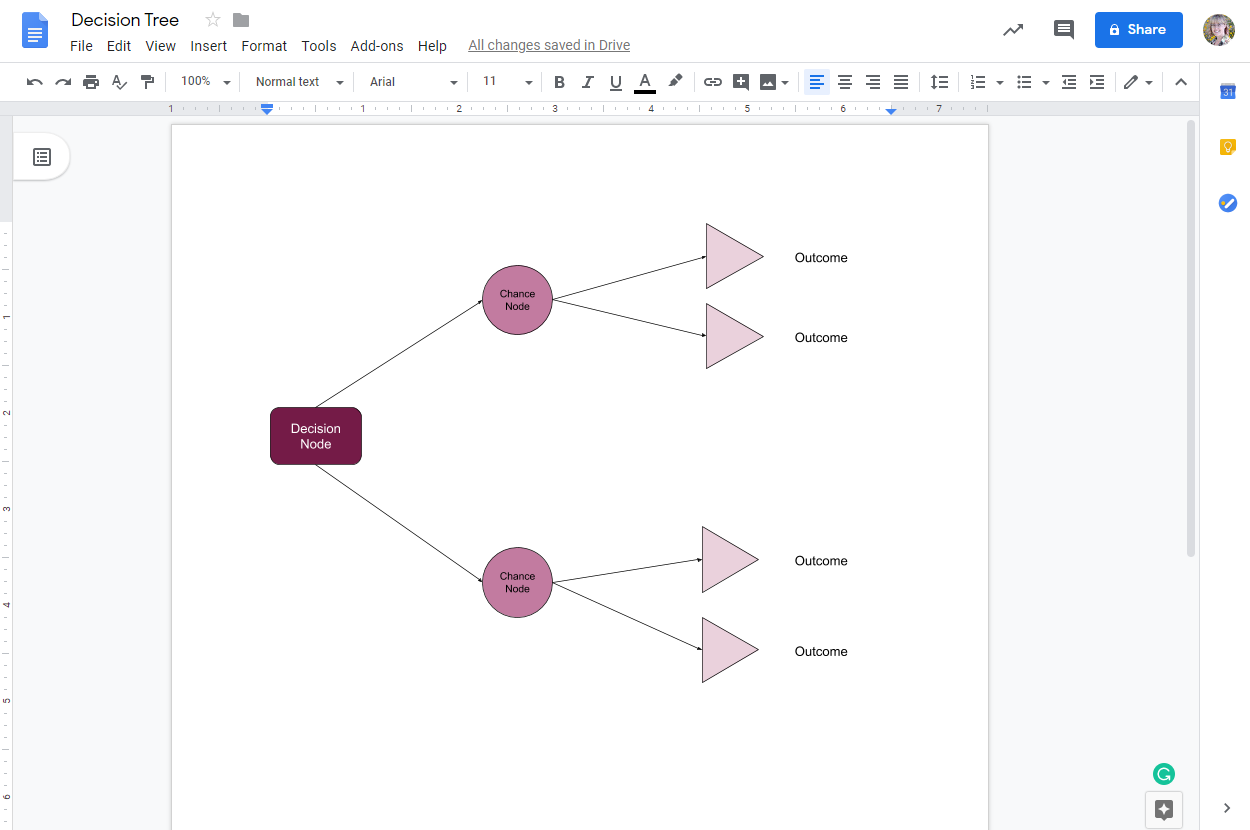
Go to Insert > Drawing. A drawing box will appear.
Add shapes and connect them with lines in the space provided.
Double-click the shape to add text.
Click “Save & Close” once you’ve completed your diagram.
Done! You have a completed decision tree in Google Docs. Need to make a change? Double-click your drawing to return to the editor and make changes
Choose Lucidchart to make a decision tree for Google Docs
Save time and create professional decision trees with Lucidchart. Choose from a wide selection of customizable templates, link your data to your diagram, and collaborate with others when you use Lucidchart.