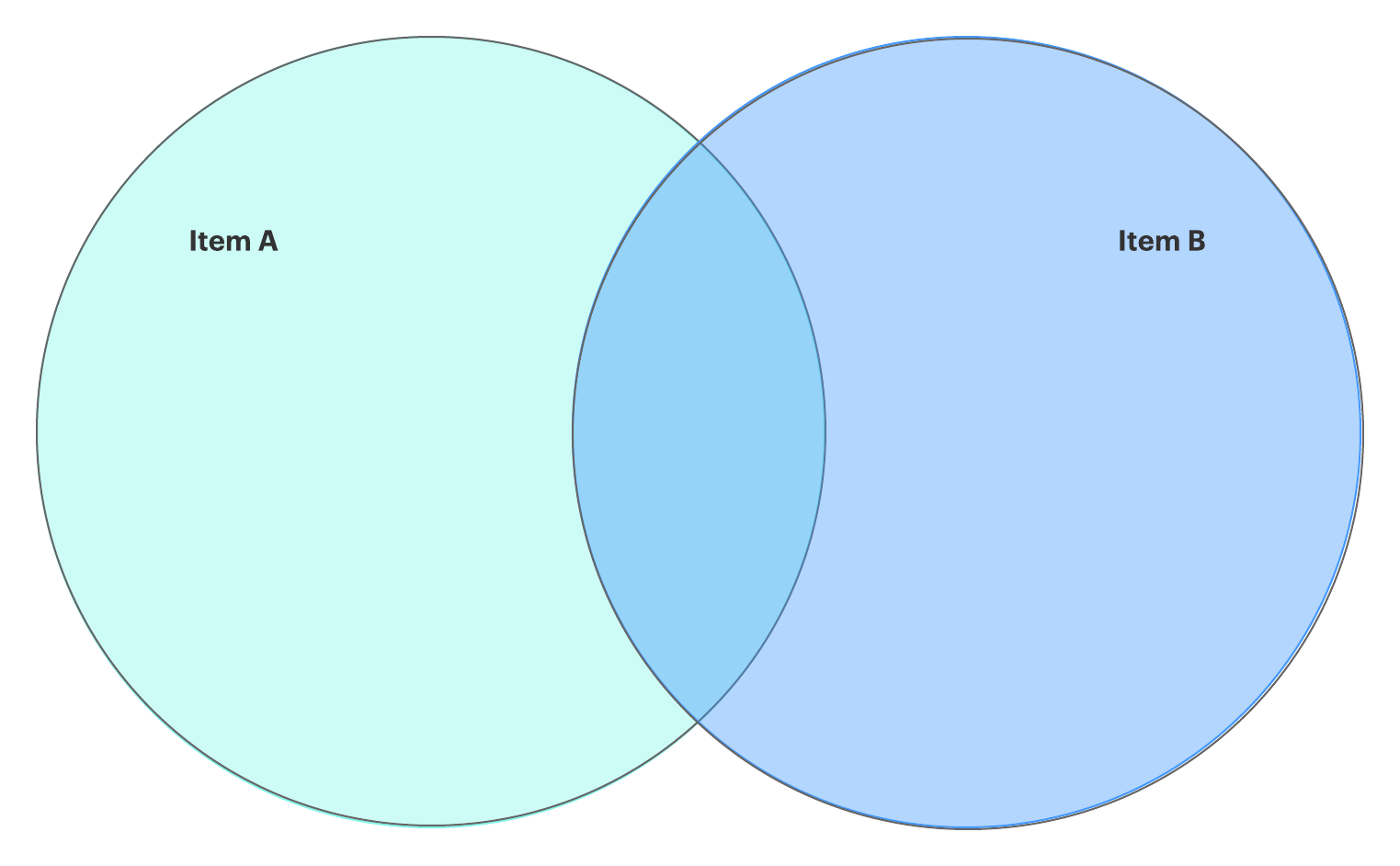
We’ll cut straight to the chase: You need to know how to make a Venn diagram in Google Docs. And whether you want to use it for predictive analytics or to compare different solutions for a problem, we have a quick, intuitive solution to help you.
Continue for step-by-step instructions on how to insert a Venn diagram in Google Docs manually with Google Drawings and how to streamline the process using the free Lucidchart add-on for Google Docs.
Option #1: Use Lucidchart to automatically add a Venn diagram
Option #2: Use Google Drawings to manually create a Venn diagram
Option #1: Use Lucidchart to add Venn diagrams in Google Docs
Venn diagrams have proven useful for identifying relationships between sets of data. However, some programs make it difficult to get your Venn diagram just right. Maybe the circles aren't the right size to properly work in or you can't get them to align.
Lucidchart integrates with Google Workspace to make it as simple as possible to share and work with others visually. With the free Lucidchart add-on for Google Docs, you can quickly create and customize professional Venn diagrams without the hassle. The add-on allows you to create a new Venn diagram, insert diagrams, or update the diagrams you have already included on your Google Doc, saving you tons of time.
Before you manually create a Venn diagram using Google Drawings, give the Lucidchart add-on a try.
How to install the Lucidchart add-on for Google Docs
First, you'll need to install the free Lucidchart add-on if you haven't already. You'll only need to set up the add-on once—then you can build Venn diagrams, mind maps, flowcharts, and any other visuals you might need. Follow these quick steps to get the add-on:
- Open a Google Doc.
- Select Add-ons > Get add-ons.
- Search and select Lucidchart.
- When a pop-up window appears, click “Accept” to give Lucidchart access to Google Docs.
- You now have the Lucidchart add-on! Click “Get Started” to pull in the diagrams from your account.
Install the add-on
How to insert an existing Venn diagram into Google Docs with the add-on
- From your Google Doc, select Add-ons > Lucidchart Diagrams > Insert Diagram.
- Choose your Venn diagram from the list in the right-hand sidebar. Click "+."
- A preview of your selection will pop up. Click "Insert."
- If you make any changes to your Venn diagram, make sure to update it on the Google Doc. Select Add-ons > Lucidchart Diagrams > Updated Inserted Diagrams.

How to create a new diagram in Google Docs with the add-on
- Open a Google Doc.
- Select Add-ons > Lucidchart Diagrams > Insert Diagram to open the add-on.
- Click the orange "+" button at the bottom of the add-on.
- Select a template to customize or select a blank document.
- Edit the template or drag and drop shapes to create your Venn diagram within the Lucidchart editor.
- Go back to your Google Doc. Using the Lucidchart add-on, select your newly created Venn diagram, and click "+" to preview and insert it.
Need more help installing or using the add-on? Watch our video tutorial below or visit our Help Center for full instructions.
Option #2: Use Google Drawings to make a Venn diagram in Google Docs
If you would rather build your Venn diagram natively in Google Docs, you can use Google Drawings. Just follow these instructions. (Pro tip: It’ll be easier in Lucidchart.)
- Open a Google Doc.
- Select Insert > Drawing > New.
- Use the shape icon to add circles, and add text boxes to complete your Venn diagram.
- Click “Save and Close.”
- Double-click your drawing to return to the editor and make changes.

Now that you know how to create a Venn diagram in Google Docs, you can compare, contrast, and visualize data to your heart’s content. Good luck!
Try our Venn diagram maker and sign up with Lucidchart free! You can also choose a template below to get started.