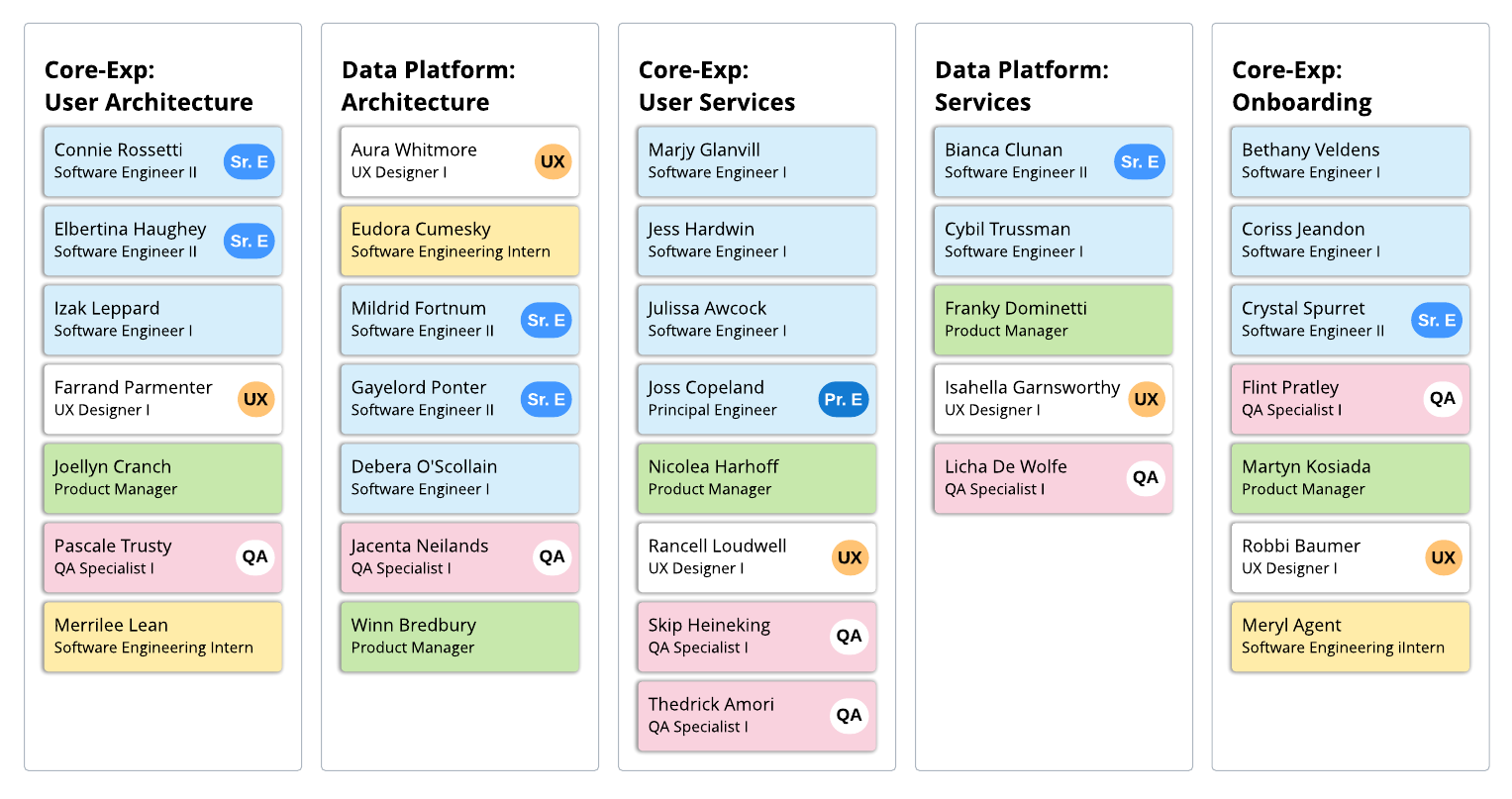
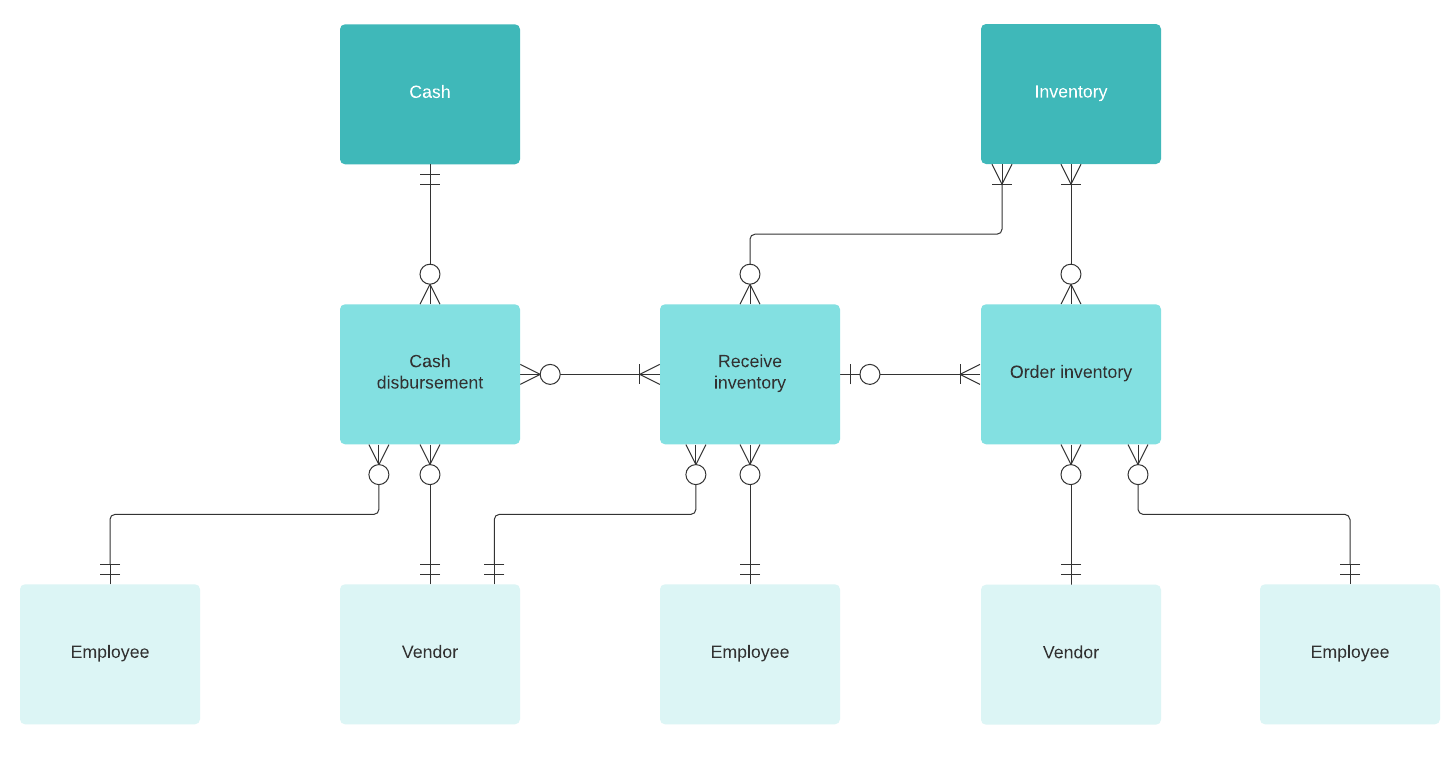
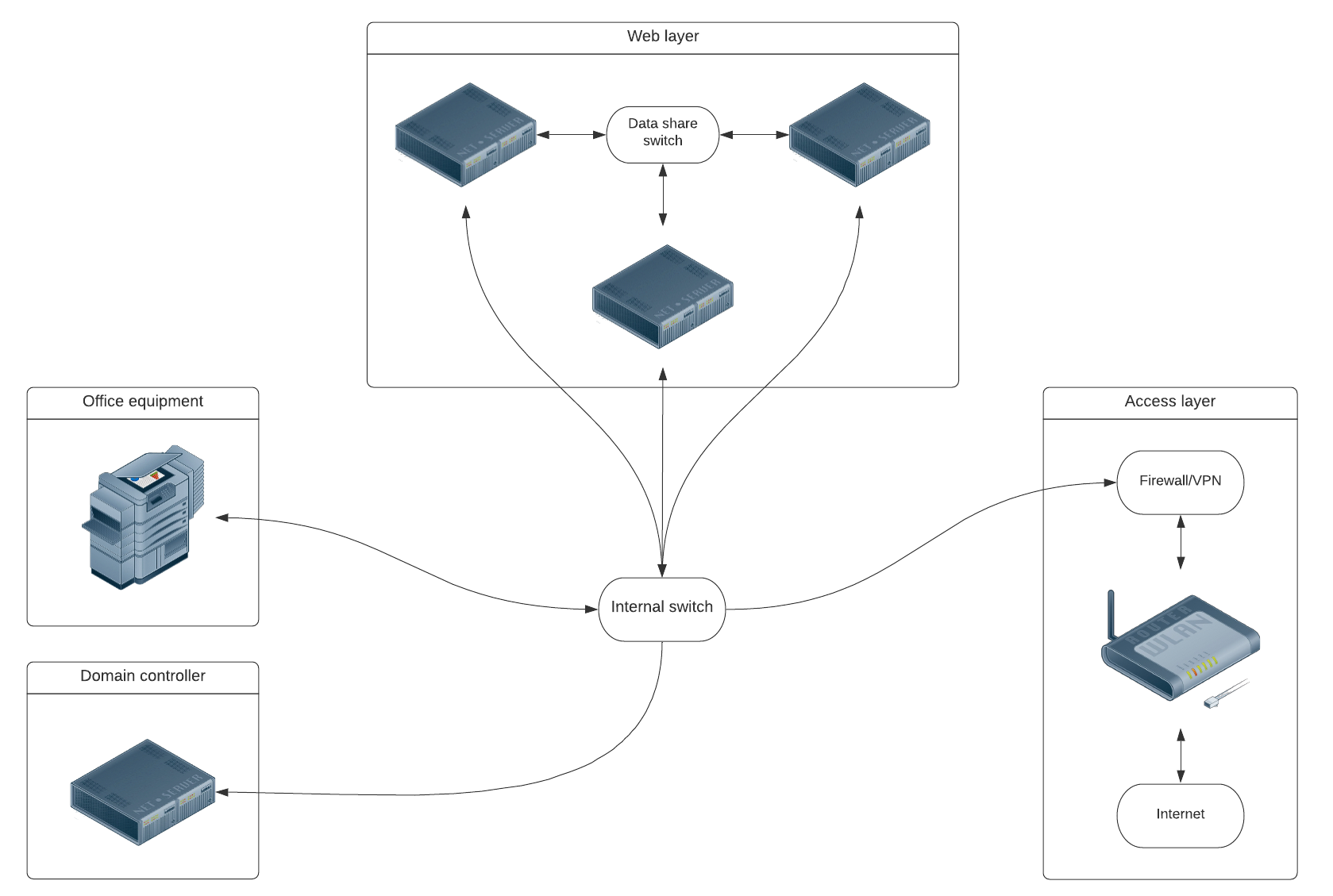
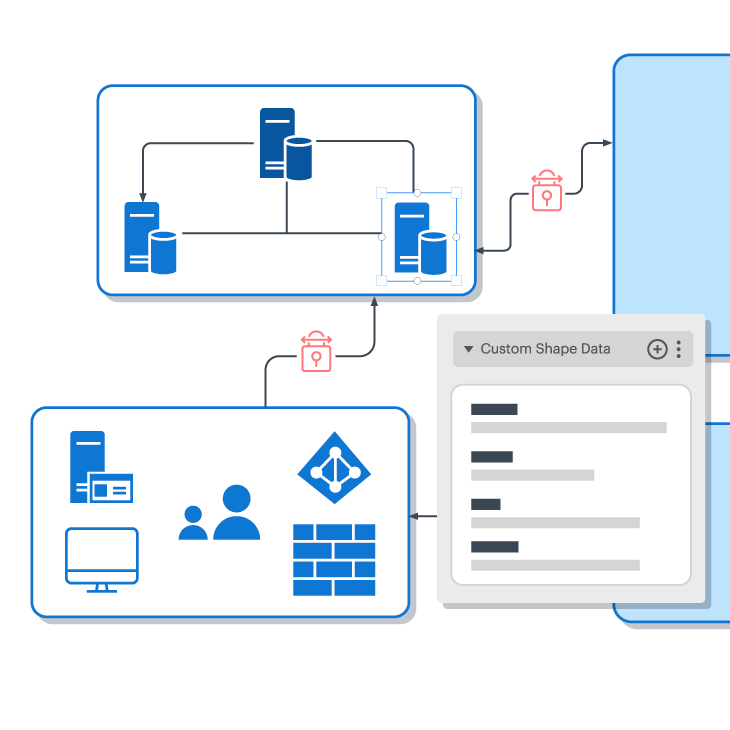
The biggest challenge in creating these diagrams is not because the information is unavailable. Instead, the challenge is often creating accurate diagrams of your code, systems, data flows, etc. and keeping them up to date. If these diagrams are not kept up to date, they will be rendered not useful. And worse, if you provide a new engineer with an out-of-date diagram, they may end up making recommendations and changes based on inaccurate information, potentially damaging existing work, resulting in countless errors and rework for your teams.
So, how do you maintain up-to-date and accurate diagrams to give engineers during their onboarding process? Fortunately, Lucidchart is cloud-based and allows multiple participants to edit documents simultaneously. This means that any time your team makes a change to the code base, they can document it on the master chart without having to worry about finding the most updated version or being overwritten by a co-worker. Documentation is not only possible, it’s easy, and your new hires will thank you later.
3. Explain your team’s process with a flowchart
Every organization has a different way of doing things, so starting a new job means learning a new process, if not multiple new processes. This could entail multiple different design processes, cross-functional team processes, troubleshooting processes, and more. Then, add on an extra layer of processes that belong to multiple different products or parts of your product. Very quickly, your new engineers can become incredibly overwhelmed—and rightfully so.
You can relieve a lot of anxiety for your new engineers by making it clear what your expectations are, not only regarding what they will be working on, but how. Create a flowchart in Lucidchart that demonstrates your basic—and complicated—workflows, such as incident response diagrams and CI/CD processes. If you don’t already have these diagrams created, you can build these diagrams from scratch, or get started faster by using templates available in the Lucidchart template gallery.
As needed, use Actions to link to separate pages within the same document and elaborate upon the details of a sub-process. You can even use Actions to link to external pages, such as Confluence pages or Jira tickets.
Your engineers will save a lot of time throughout the learning process if they don’t have to wonder what they are supposed to do next. Also, you and more tenured employees and teams will also save time, because new engineers won’t be relying on tribal knowledge employees to walk them through every process in the company. With all of today’s demands on technical teams and engineers, there simply isn’t time for holding the hands of engineers as they onboard.
4. Store diagrams in a central place
Now that you have a library of onboarding documents, store them all in a central location. By centralizing your resources and diagrams in Lucidchart, you can create a single source of truth—a location where new engineers know they can go when they have questions.
To keep your diagrams and important onboarding materials accessible, consider using the following Lucidchart features to centralize and ease onboarding for engineers:
Team folders
Keep important onboarding documents organized. Simply share a folder of diagrams, rather than multiple diagrams individually. You might even consider creating a dedicated onboarding team folder, complete with all the resources a new engineer will need.
Permissions
While you will eventually want your engineers to be editing documents as they develop ownership in new areas, you likely won’t want them editing—or accidentally editing documents as they’re familiarizing themselves with your systems, code, and processes.
Set specific permissions to keep users from editing documents they shouldn't be—create view-only document permissions, or allow comment access, so new engineers can ask questions where and when applicable.
Comments and @mentions
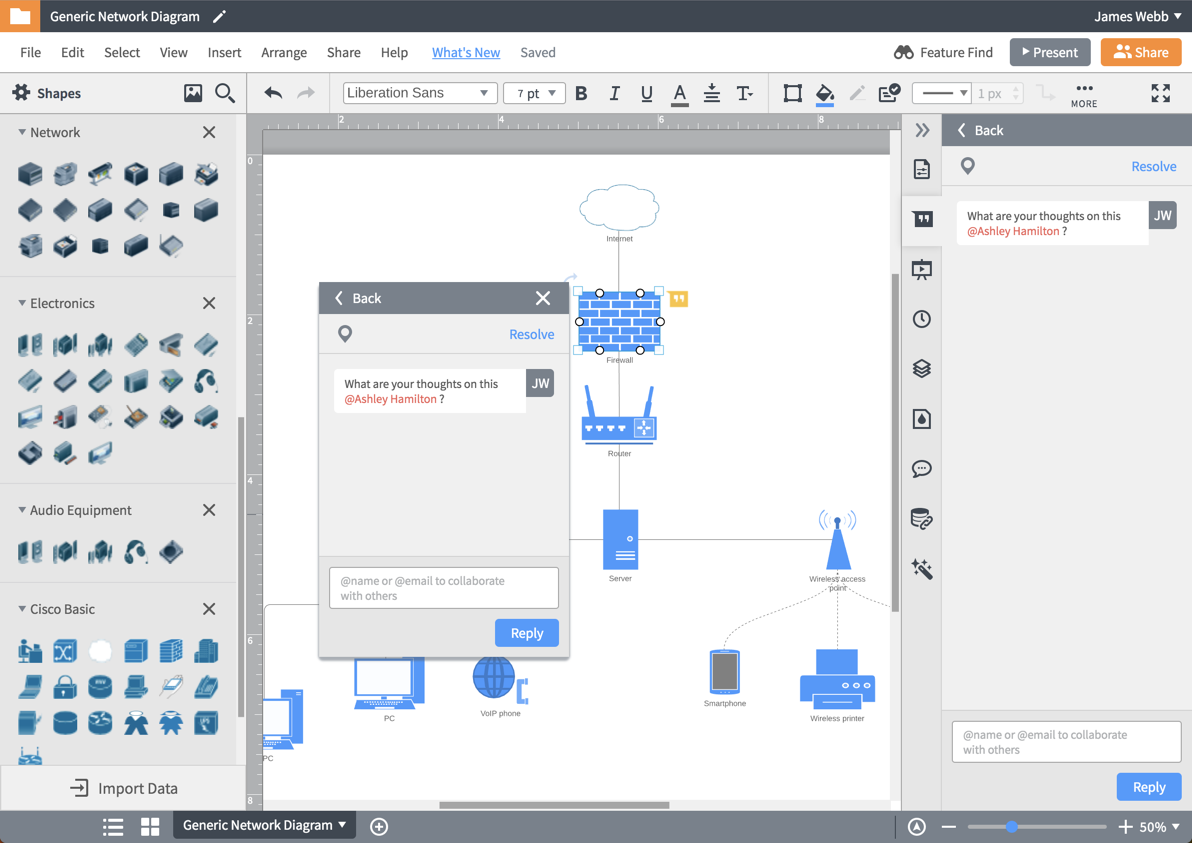
Even better, if your diagram doesn’t completely answer the questions a new engineer may have, they can leverage Lucidchart’s collaboration and communication features to @mention users—such as more tenured employees—and comment on specific shapes to ask specific questions about specific parts of a process.