You’ve heard about it, read about it, and likely tried it yourself. AI is a hot topic in just about every industry right now. But did you know that not all AI is created equal? Using new AI tools can be challenging and it takes practice to use them effectively.
In this article, we will help supercharge your AI diagramming experience with tips for how to write AI prompts so that you can maximize its value and work more efficiently.
The value of diagramming with AI
We all have different ways of working. And with Lucid’s powerful AI diagramming capabilities, anyone—no matter their working style—can easily create powerful, effective diagrams. Whether you're a visual thinker, a planner, or a hands-on problem solver, AI brings clarity to complex systems and processes.
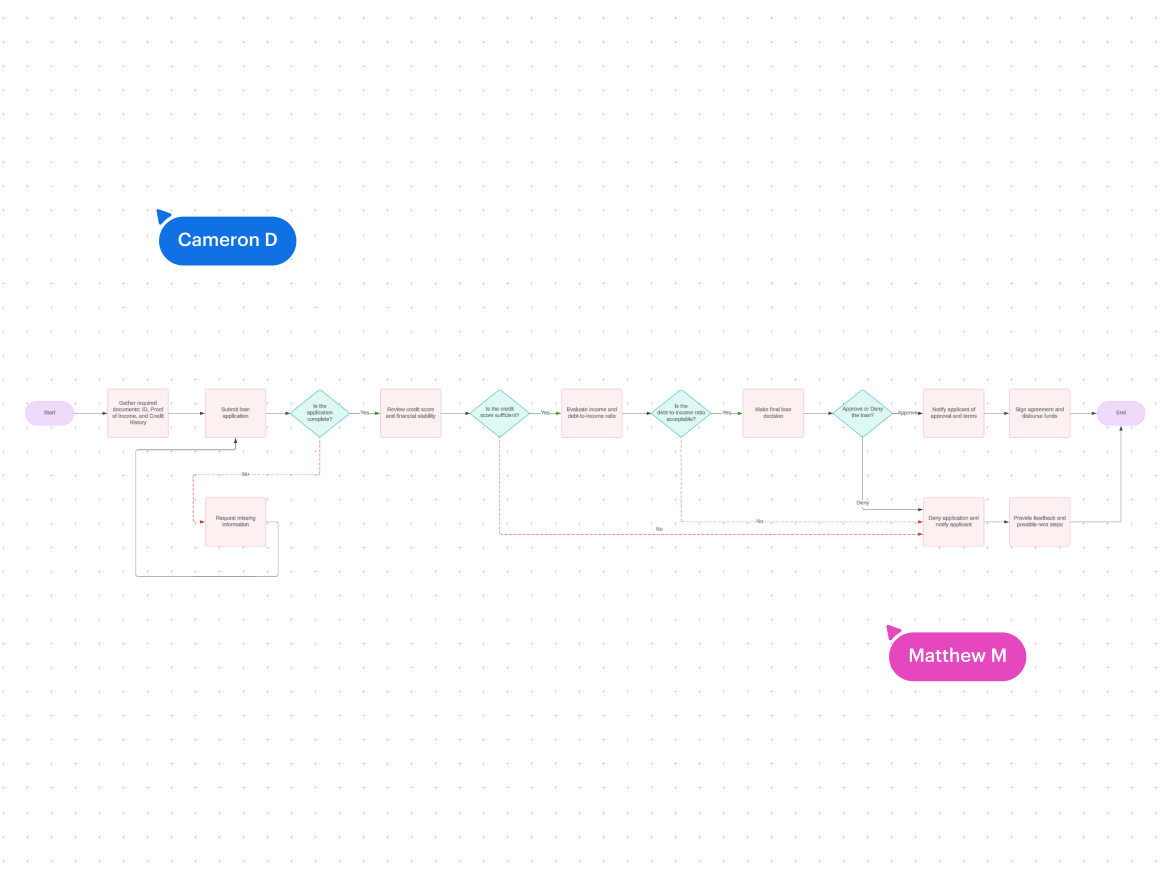
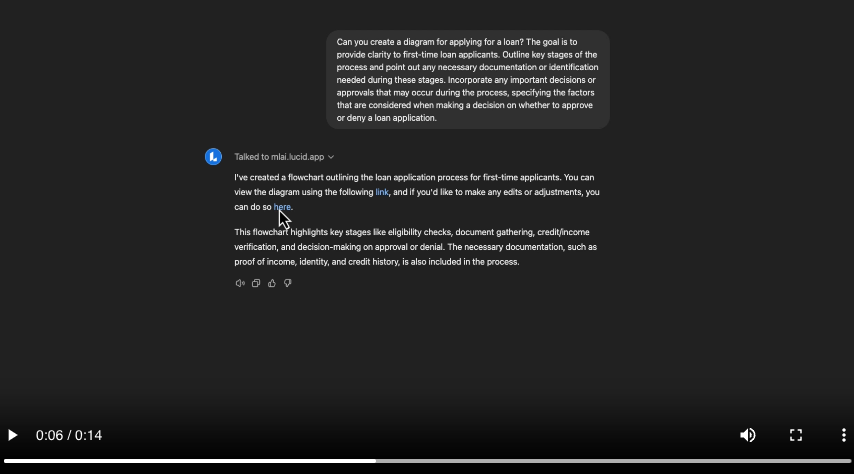
One of the greatest advantages of using AI prompts to create diagrams is the time it saves. Auto-generate diagrams directly in Lucid by typing out prompts. Rather than fiddling with shapes and lines, you can simply ask the AI to produce a diagram for you. You can ask it something like, “Prepare a detailed flowchart that showcases the steps involved in applying for a credit card.” Within seconds, a beautiful, editable diagram will pop up on your canvas. Using AI to generate diagrams frees up time for more strategic work, allowing teams to focus on innovation rather than getting bogged down in the technical details.
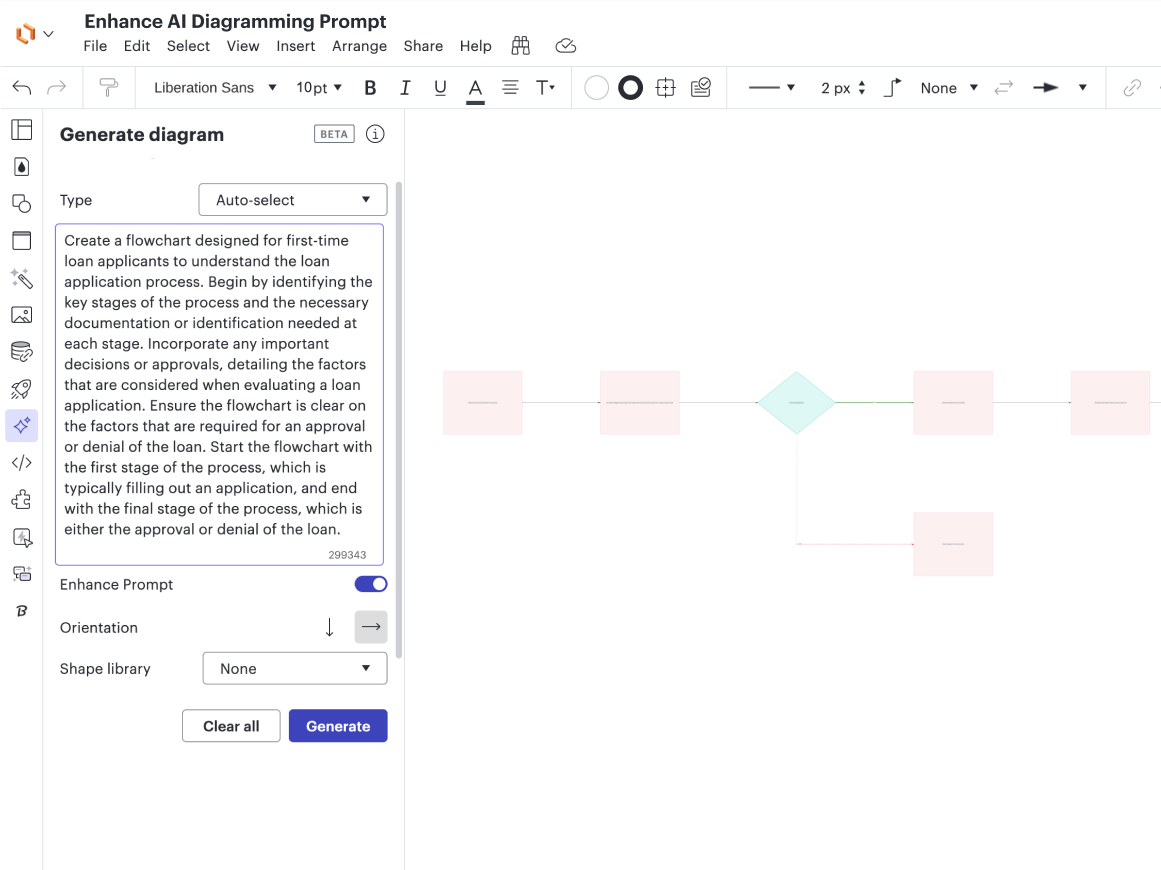
Best of all, with Lucid’s AI diagramming capabilities, you can iterate and refine your text prompts to adjust the layout, add details, or reorganize information to better fit your needs. This flexibility ensures that you can craft the perfect visual representation of your ideas, all while saving time and working more productively.
Now that we know what Lucid’s AI diagramming capabilities can do, let’s explore how we can create powerful, functional diagrams that we can collaborate on with our team. By simply learning how to write effective AI prompts, you can exemplify the benefits of using AI to create powerful visuals that resonate with others.
Tips for writing AI diagramming prompts
Here are some tips for maximizing your AI diagramming prompts.
Be specific
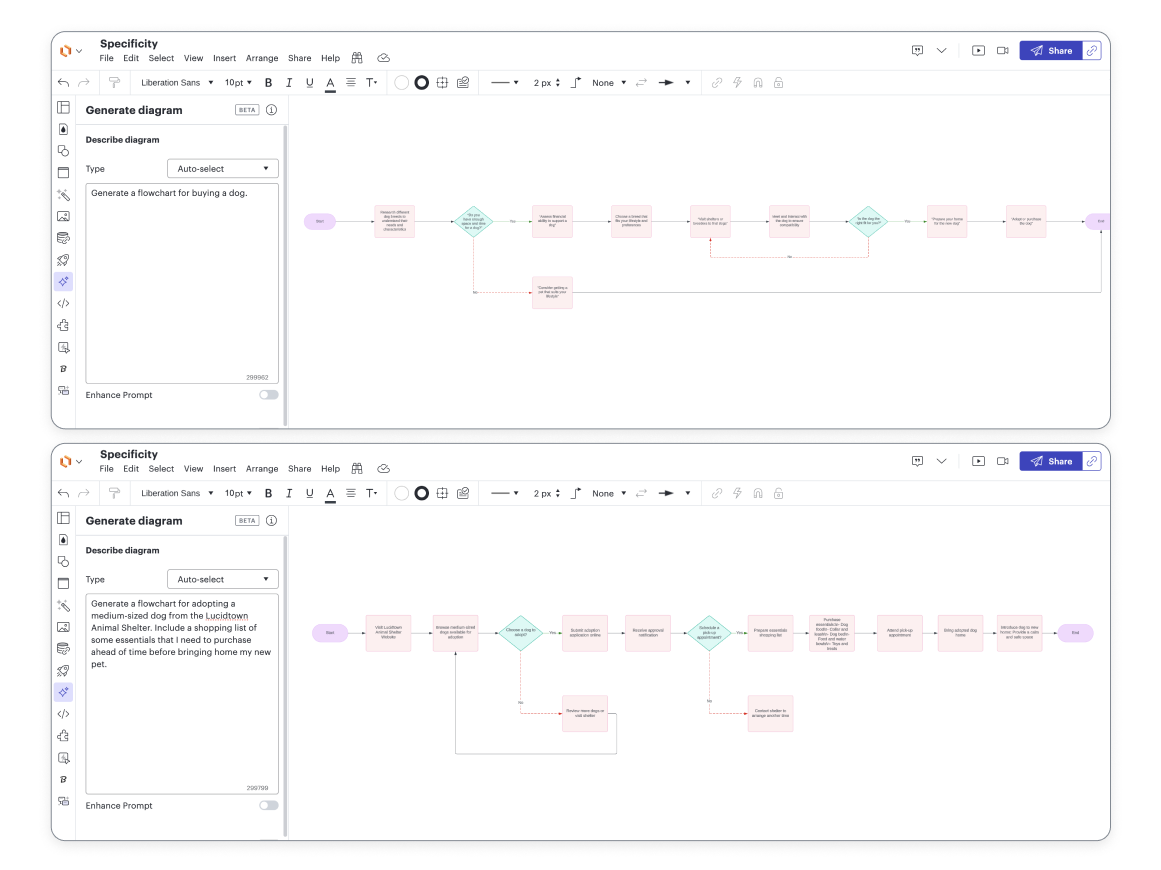
When it comes to writing diagramming prompts, the juicy details matter. The more granular you get in your descriptions, the more powerful the diagram. When writing your prompts, it’s important to be specific in what you want. And if you don’t know exactly what you want, start simple and see what the AI generates. From there, you can use the result as inspiration and tailor the prompt to be more detailed. This practice will yield a more polished and accurate diagram.
For example, instead of this high-level prompt: Generate a flowchart for buying a dog.
Try this detailed prompt: Generate a flowchart for adopting a medium-sized dog from the Lucidtown Animal Shelter. Include a shopping list of some essentials that I need to purchase ahead of time before bringing home my new pet.