
Diagram maker
Make a polished, professional diagram for free with Lucidchart. No matter what you have in mind, we have the tools you need to build it. Make an account and start diagramming today.



By registering, you agree to our Terms of Service and you acknowledge that you have read and understand our Privacy Policy.


Diagrams for all
Lucidchart can help you create a diagram for anything you have in mind—no matter the subject or complexity.
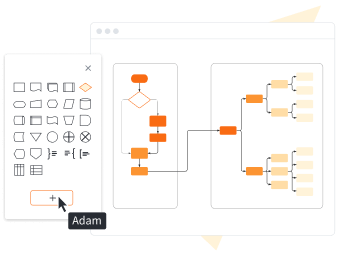
Use standard diagram shapes

Present your diagram

Enjoy advanced diagramming features

Collaborate with anyone

Start with a customizable template

Stay secure with Lucidchart

Trust our reputation
Get to know Lucidchart
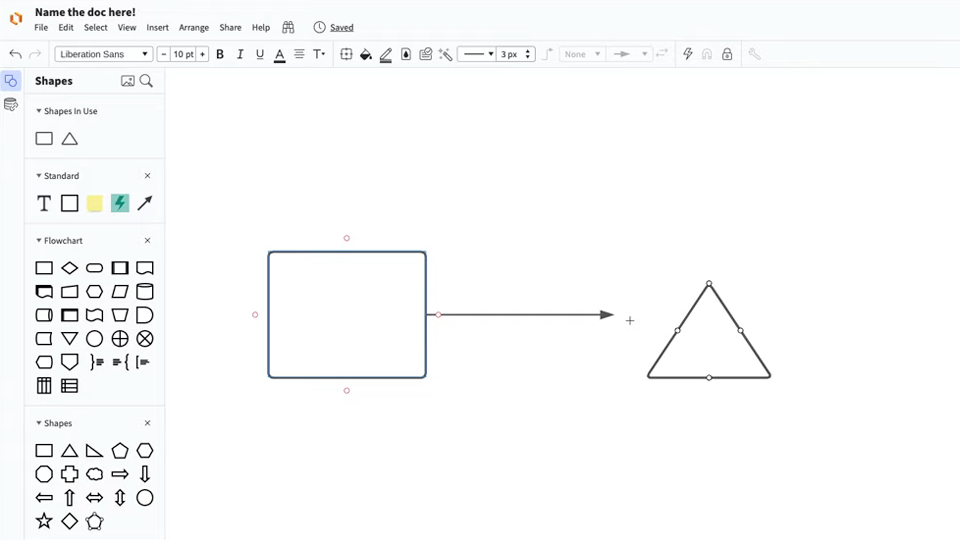
master the basics of Lucidchart in 5 minutes
- Use a blank canvas or a template to create your first diagram, or import a document.
- Add shapes and connect them with lines. Add text to the shapes and lines.
- Learn your options for styling and formatting to make your diagram look professional and polished.
- Use Feature Find within your diagram to find any element you need.
- Share your diagram with your team, whether that’s colleagues, co-workers, or other stakeholders. Collaborate away.
Diagram templates
Use one of the diagram templates from our gallery to get started.
Lucidchart integrations
Connect Lucidchart to your favorite industry-leading apps.

See why teams use Lucidchart as their online diagram maker
Diagram, visualize data, and collaborate all in one platform.

Collaboration
Clarity
Alignment

Better together
What is a diagram?
A diagram is a symbolic representation of information that helps you visualize concepts. It shows the arrangement of ideas or elements and how they relate to one another. Today, you’ll find diagrams in numerous fields, including education, writing, engineering, and marketing.
How to create a diagram with Lucidchart
Decide what type of diagram you need
There are a lot of different types of diagrams, so begin by determining which will best help you organize your ideas. Then, open a blank canvas or use a template from our gallery.
Add shapes to your diagram
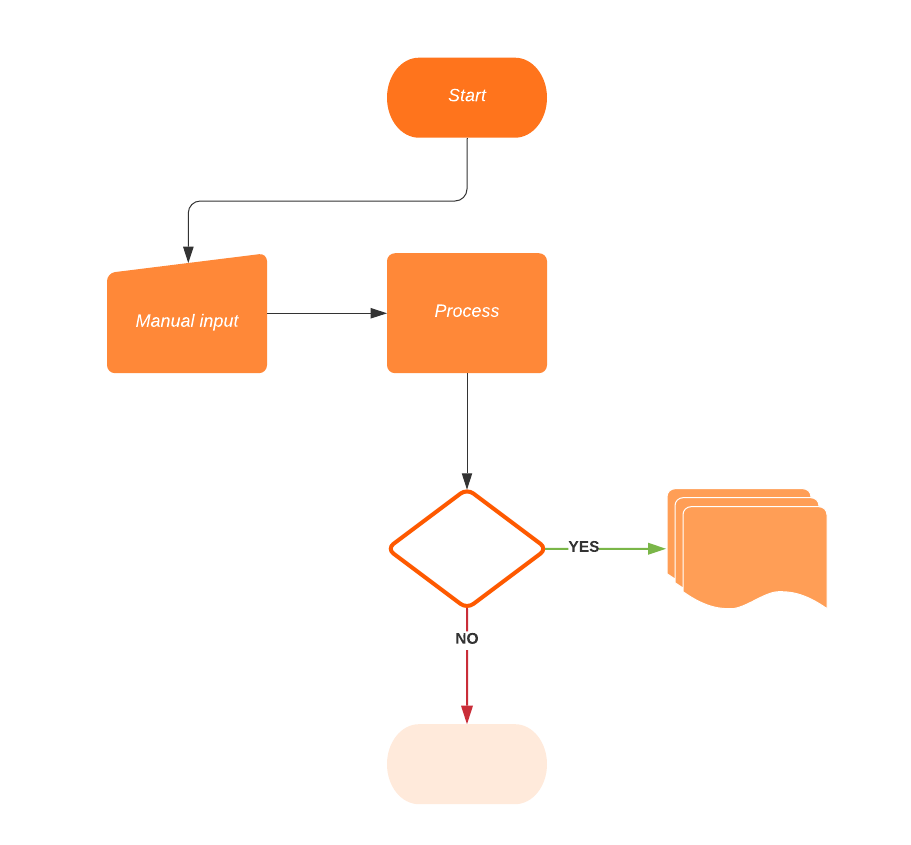
Drag and drop objects onto your canvas. Click on individual shapes to move, rotate, and resize them as needed.
Connect the shapes
Click the red node on any shape and drag a line to connect it to another shape. Double-click lines to add text or use the properties bar to change formatting.
Format your diagram
Change the look and feel of your diagram by fine-tuning the layout, updating the fill and border colors of your shapes, and adjusting lines as needed.
Collaborate, analyze, improve, and share
Share your diagram with others to brainstorm solutions to problems, create action items, and more.