
Flowchart software
Lucidchart offers intuitive, intelligent flowchart software to help you diagram with ease. No matter what you’re diagramming, we have the tools you need. Use Lucidchart to make your flowchart quickly and without fuss and to make it look polished and professional.



By registering, you agree to our Terms of Service and you acknowledge that you have read and understand our Privacy Policy.


Make free flowcharts fast
se our intuitive, free flowchart software to make flowcharts quickly.

Visualize processes to improve efficiency

Get everyone on the same page

Enjoy Lucidchart’s advanced features

Collaborate with your team

Work from anywhere
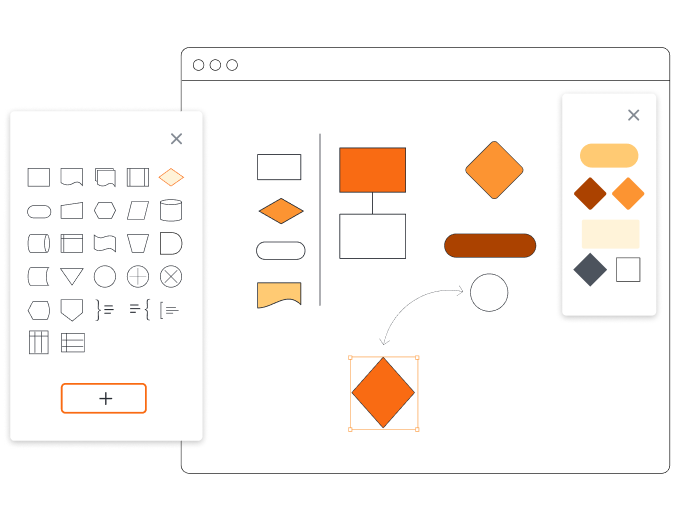
Ideate with a template

Trust our reputation
Master Lucidchart’s basics in 3 minutes
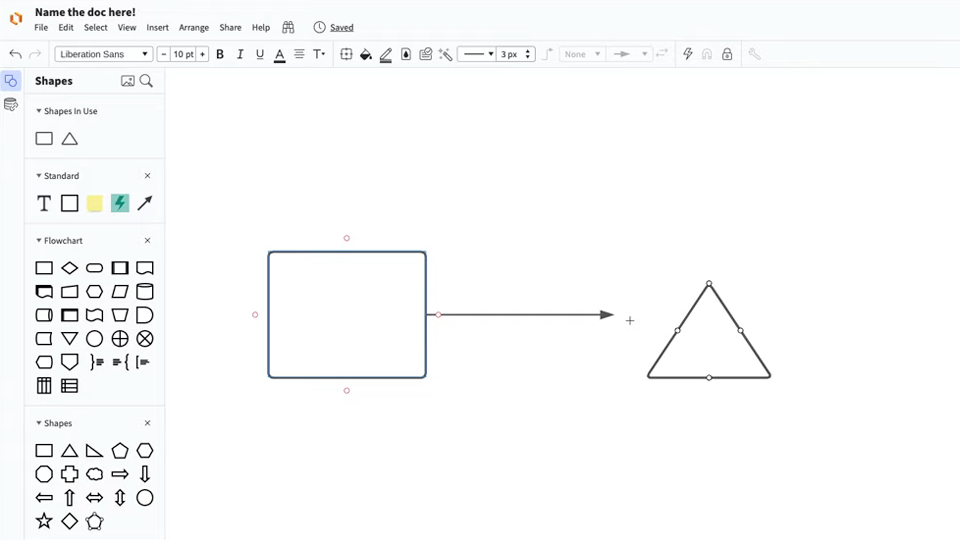
master the basics of Lucidchart in 5 minutes
- Learn how to create your first flowchart from a blank canvas, use a template, or import a document.
- Add shapes and connecting lines to your diagram, then write text to describe your subject.
- Learn how to adjust the styling and formatting within your flowchart to make it look clean and professional.
- Use Feature Find to locate any feature or tool within your flowchart.
- Share your flowchart with your team and collaborate on it.
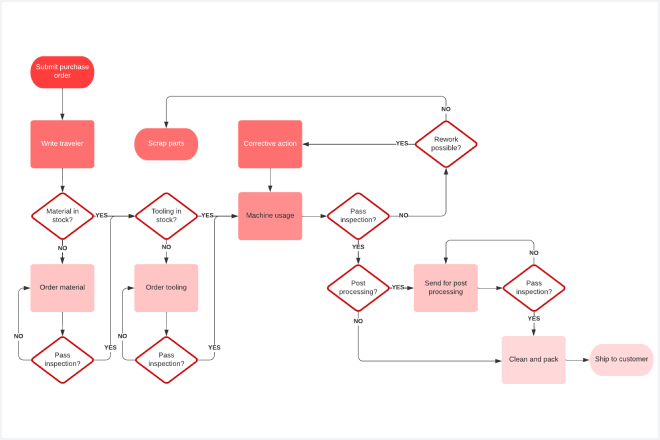
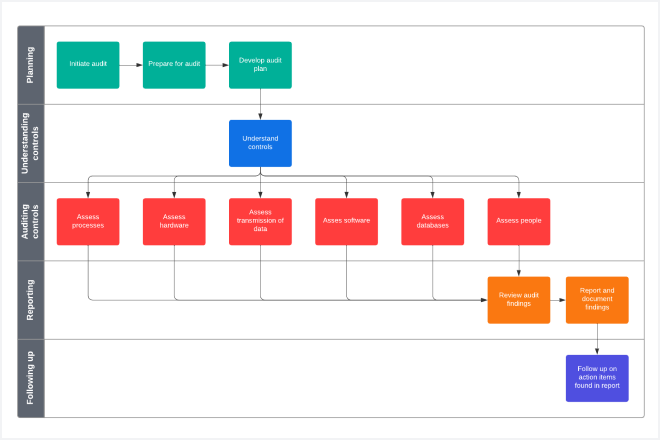
Free flowchart templates
Start creating your flowchart by using one of our free templates.

Lucidchart integrations
Connect Lucidchart to your favorite industry-leading apps.
See why teams use Lucidchart as their flowchart software
Diagram, visualize data, and collaborate all in one platform.

Collaboration
Clarity
Alignment

Better together
What is a flowchart?
Flowcharts are diagrams that show processes, systems, or computer algorithms. Flowcharts can use a variety of shapes to represent each step of the process, with connecting arrows to show the sequence. Because they make complex processes clear and easy to understand, you’ll find flowcharts in both technical and non-technical fields to document, study, plan, improve, or communicate information. They are one of the most common kinds of diagrams.
How to use Lucidchart’s flowchart software
Start with a free flowchart template or a blank document
Start your flowchart by choosing one of our flowchart templates. You can also open a blank document and drag and drop shapes from our Containers shape library.
Drag and drop shapes onto the editor
Click on any flowchart shape, drag it onto the editor, and drop it in for placement. You can add whatever information you want, including colors, images, text, animations, and links.
Start connecting shapes
To connect shapes, click on the white dot that’s outlined in red on any shape, then drag a line out to connect or point to your desired location or shape.
Edit shapes and lines
To edit a single shape or line, click on it and enhance or reduce it to the desired size. Change the color by selecting a shade from the fill color icon in the top toolbar.
Share, embed, or publish your flowchart
Share your flowchart with anyone by clicking the Share button in the upper-right corner. Embed the document somewhere else by clicking on the Share tab, then clicking on Embed, and copying the embed code.