Take advantage of project management tools
Project management software is a great way to keep remote teams on the same page. Keep track of projects and communicate feedback on specific tasks and assignments directly within your team workflows. Look for tools that facilitate remote collaboration through features that gather feedback right in the document.
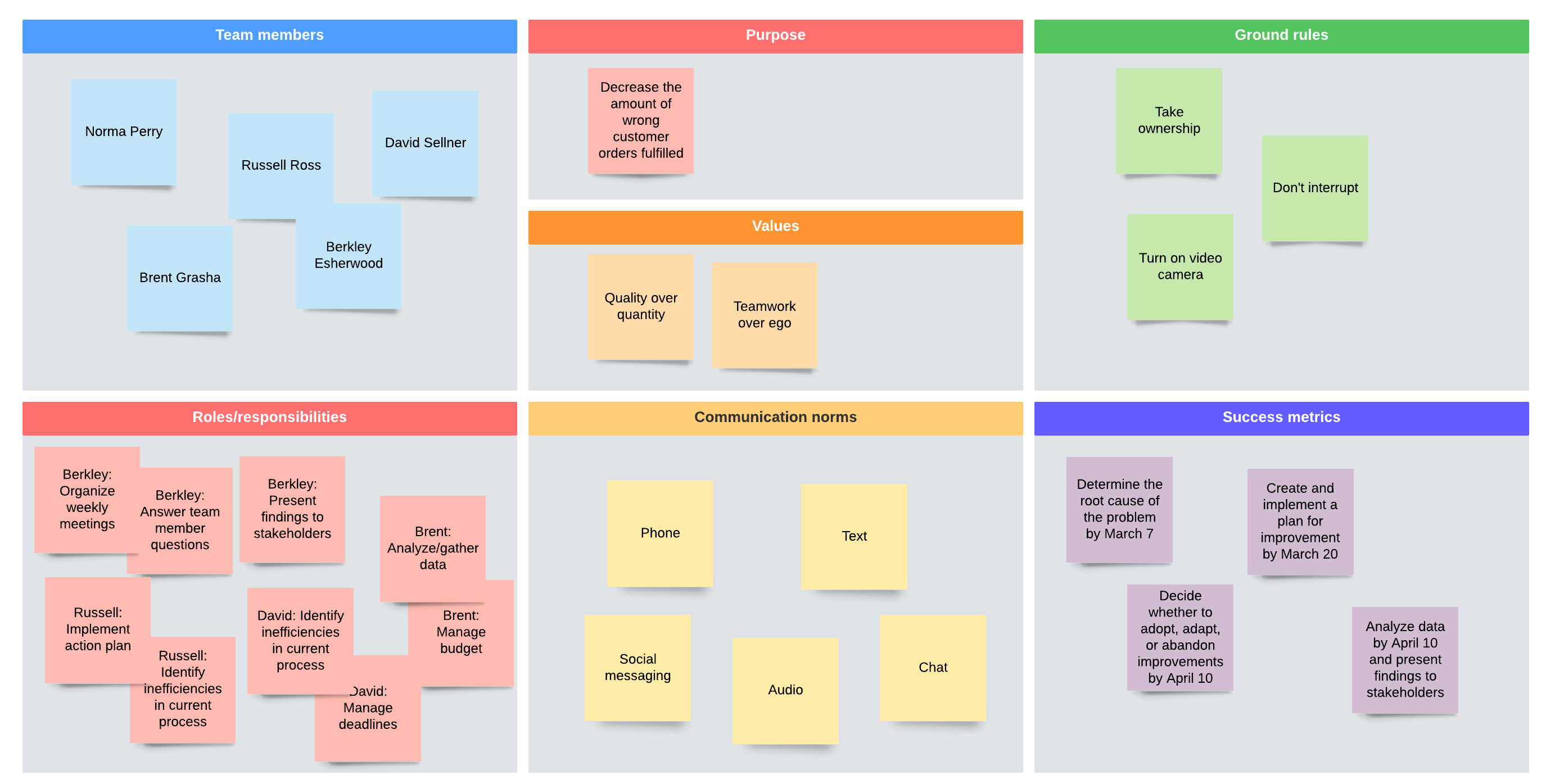
For example, Lucidchart is a visual workspace that helps teams map their processes, organizational structures, and workflows in a collaborative dashboard.
Create project maps on a shared template and use @mention notifications to alert team members of where you need their attention on specific tasks in real time. Link your data and other team documentation directly to the templates so you have all the information in one place and can communicate clearly from the same source of truth.
Using tools like project management software can help remote teams track their work and collaborate more effectively so nothing falls through the cracks. This is a great way to integrate remote feedback into your day-to-day workflow and culture because it normalizes regular feedback and accountability—from management and from each other.
Provide feedback training
Giving and receiving feedback is a skill. Provide training and clarify expectations so your employees are better prepared to receive and act on feedback and offer more constructive feedback to you, their team, and the company.
- Clarify when, where, and how employees should give feedback and expect feedback.
- Identify what good (helpful) and bad (unhelpful) feedback looks like.
- Coach employees on how to ask questions, seek examples, and clarify meaning to uncover helpful insights and encourage a healthier collaborative environment.
- Help employees turn feedback into action by developing goals and performance plans.
The way you give and receive feedback within your remote team will likely look different than traditional office teams. Work with your employees to find out what practices make the most sense for your team culture and logistical constraints.
Highlight decisions based on feedback
One of the best ways to turn remote feedback into a positive part of your team culture is to communicate its impact. Tell your employees how you are implementing their feedback and taking action.
Companies that successfully act on feedback have twice the engagement rates of companies who don’t take action and have 14.9% lower turnover rates.
For example, if you survey your team at the end of the year, communicate the results of the survey and outline how you plan to act on those insights. The decisions can be big or small. The point is that acting on feedback shows you listen to your employees and value their input, which will encourage them to share feedback more often.
Bottom line: Create a safe environment
The hallmark of a strong feedback culture is trust and safety. No one wants to give feedback if they think their ideas will be ignored, dismissed, or even worse, lead to retaliation. Employees have to feel safe to give you meaningful and constructive remote feedback. A culture of safety also makes it easier to receive and reflect on feedback from supervisors and coworkers.
So how do you build that mutual trust?
The tips above are a good start. Setting expectations, building feedback into your regular interactions and communications (both ways), and acting on feedback from your employees helps create a trusted relationship among team members and their managers.
Remote work may look different from traditional office culture, but with the right tools, good communication, and a little planning, you can build opportunities for feedback into your everyday team culture.