7. Incite healthy debate over ideas
It’s the ability to manage conflicting tensions—rather than always seeking cohesiveness—that is the most predictive factor of team performance. Feeling comfortable enough to regularly debate and spar over ideas can actually be productive. A six-year study of group dynamics in 55 teams revealed a 22% better performance for those who allowed conflict as opposed to those teams that always agreed.
Conducting successful team meetings remotely will always be a learning process. Fortunately, the experience of remotely managing a team will allow you to build more trust and camaraderie with your employees than may otherwise be possible in a traditional office setting.
8. Be a better listener
We’ve all been in those meetings where a few people dominate the conversation. Whether the meeting is remote or not, try to be a better listener by being the last one to speak. Not only does it encourage greater team participation; it may allow you to learn something new.
As leadership expert Simon Sinek explains, “The skill to hold your opinions to yourself until everyone has spoken does two things: One, it gives everybody else the feeling that they have been heard. It gives everyone else the ability to feel that they have contributed. And two, you get the benefit of hearing what everybody else has to think before you render your opinion.”
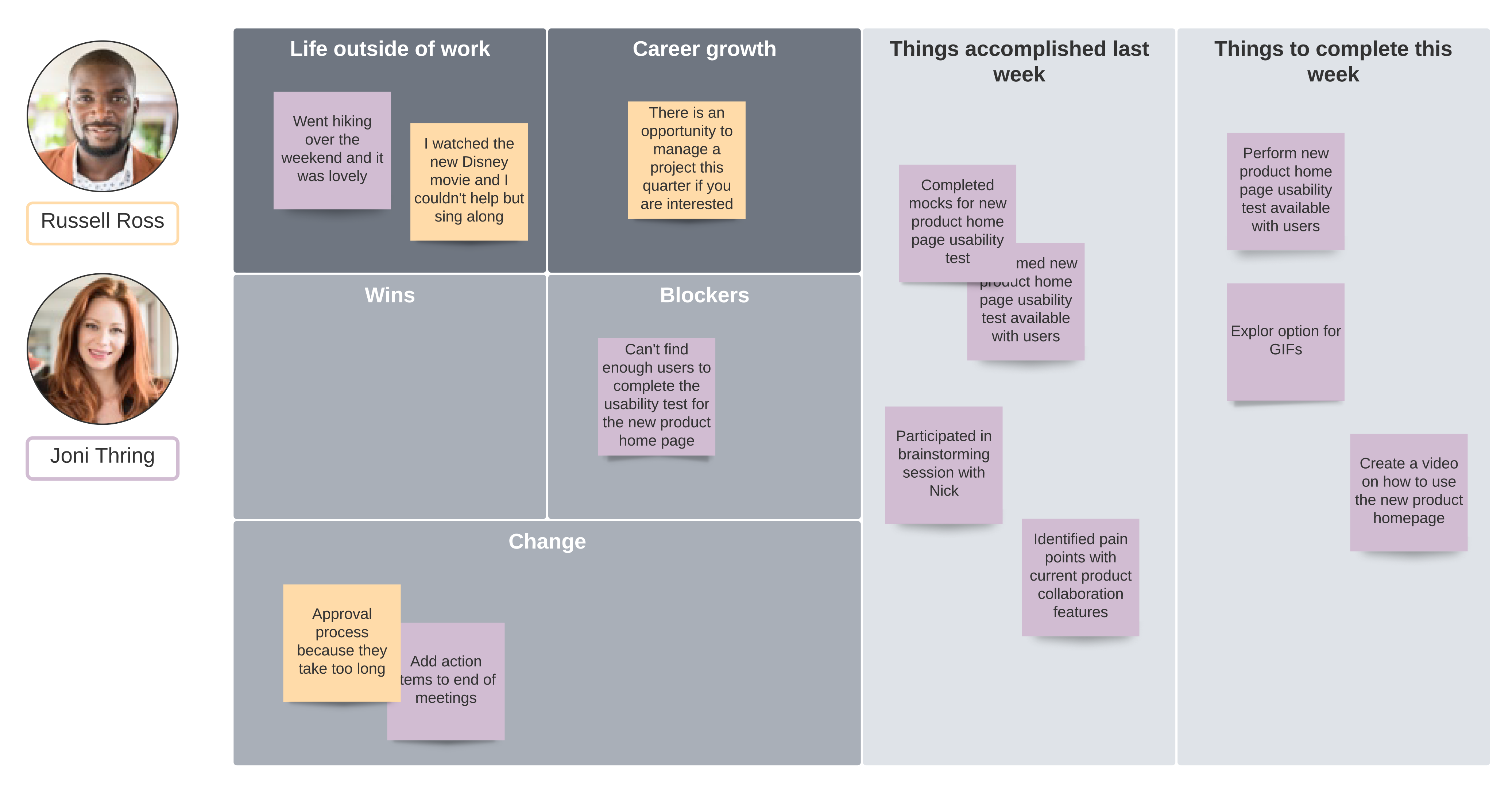
If you manage a team or lead a virtual meeting, you should also look out for the team members who are less likely to speak up. You may want to directly ask them for their input with a simple “How do you feel about that?” or “Based on your past experience, is there anything you would change?”
With the right encouragement, your remote employees will begin to feel more comfortable in voicing their opinions, sharing their insights, and becoming active participants in team matters.
9. Clarify action items
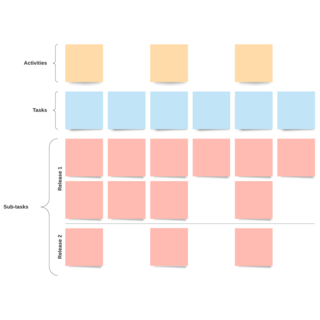
Make sure that you have created action items and documented them on the agenda (along with the assigned team member) for future reference. It might seem redundant, but it’s a great practice to review these action items before the end of the meeting to ensure each team member understands their role and is held accountable for deliverables.
If you’re running low on time, facilitators can also send a follow-up email with the action items, and project managers may choose to visualize the team’s progress through a project dashboard.
Providing support beyond the remote conference call
The work typically doesn’t end with the meeting—there are a few steps that managers can take to give remote team members the resources they need and keep them from feeling siloed as they complete action items.
10. Refine and document your internal processes
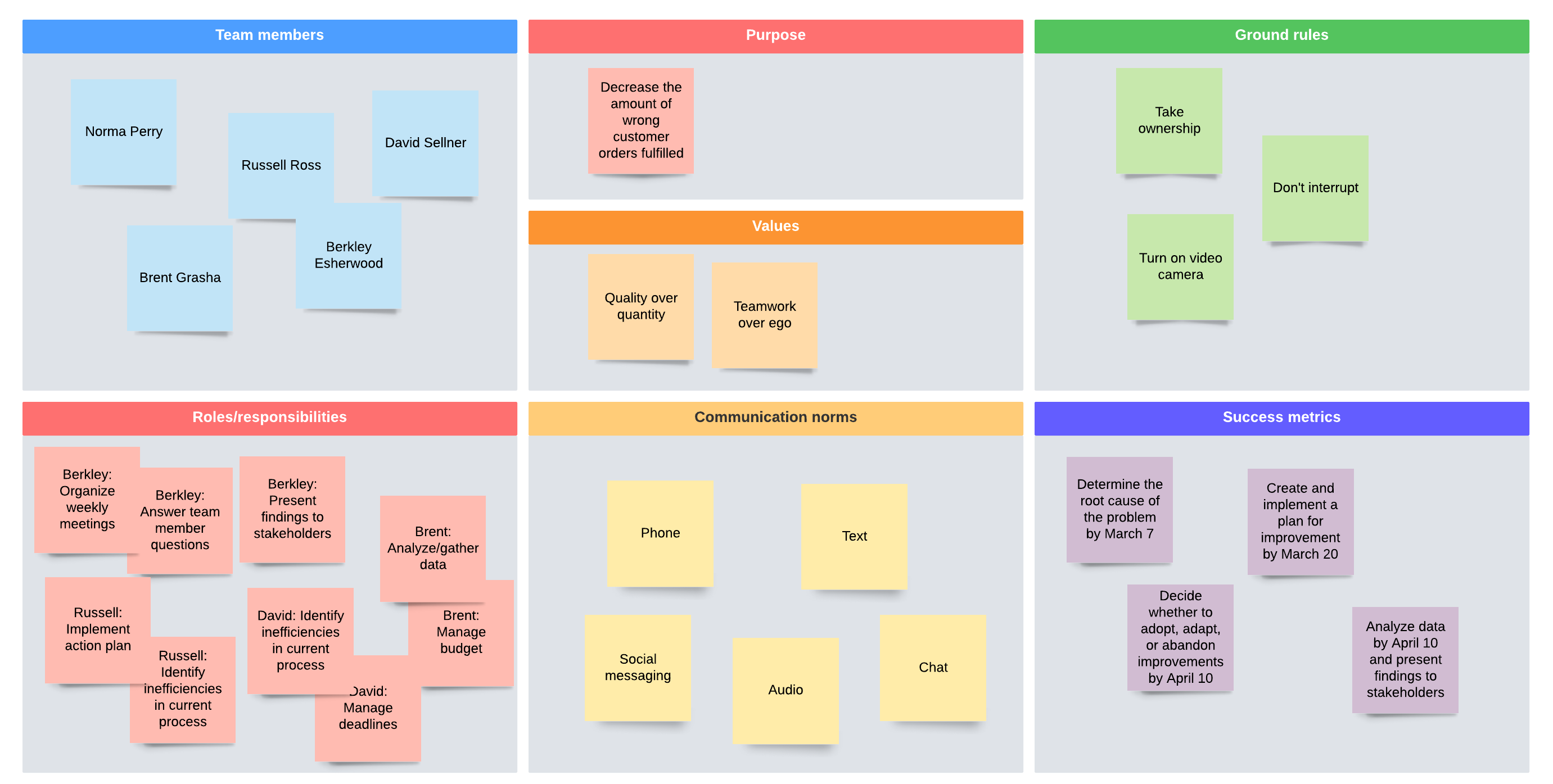
Staying in touch with remote employees by email, text, instant messaging, phone calls, and virtual team meetings is a start. But what the entire team really needs is a shared understanding of how processes work and how responsibilities are divided up.
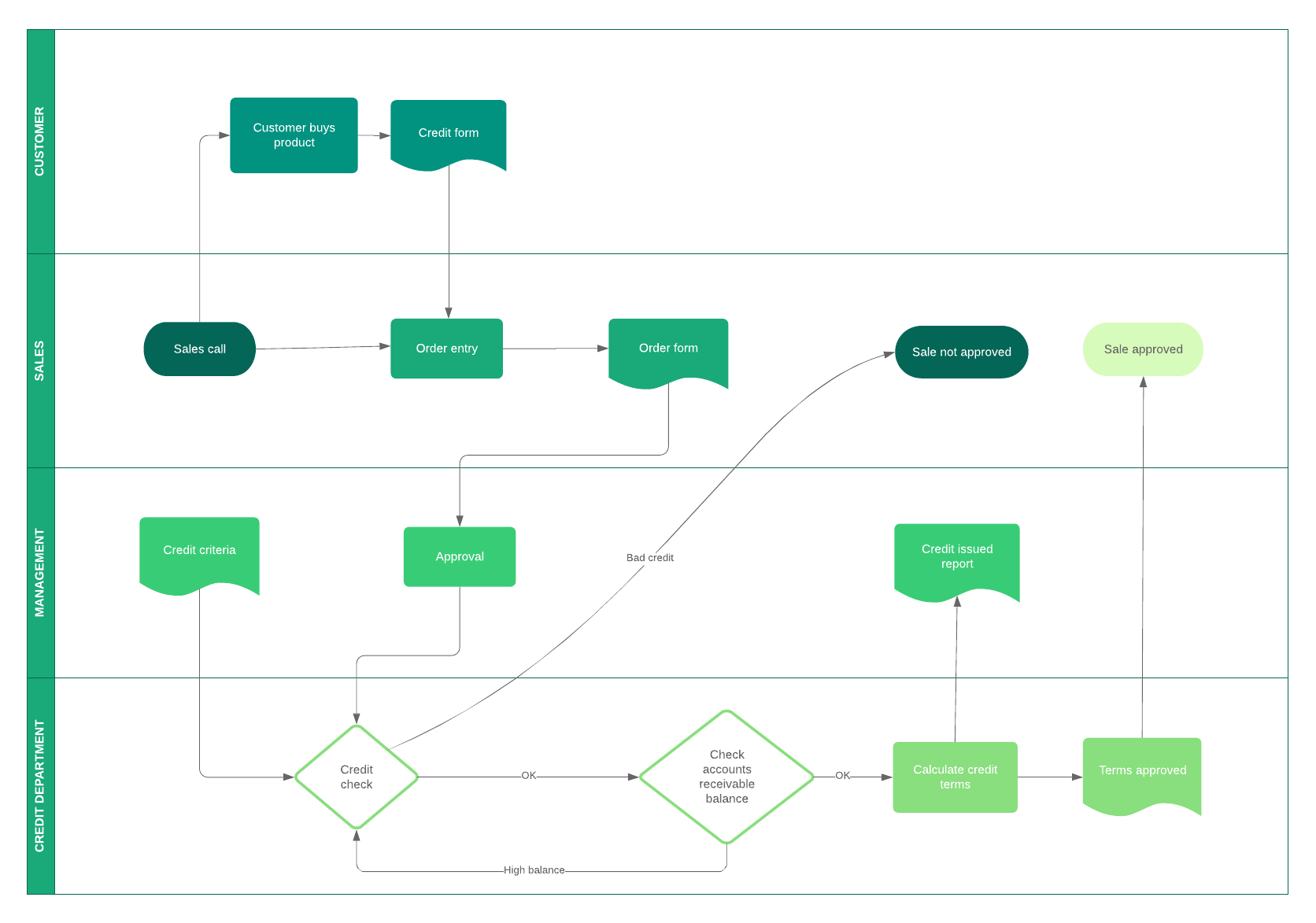
Remote employees need a clear picture of the workflow process. Creating such a process flow can help standardize how work gets done, what steps must be taken, who makes the approvals, and when a project is finally complete. Without an outline to follow, remote employees can experience unnecessary frustration.
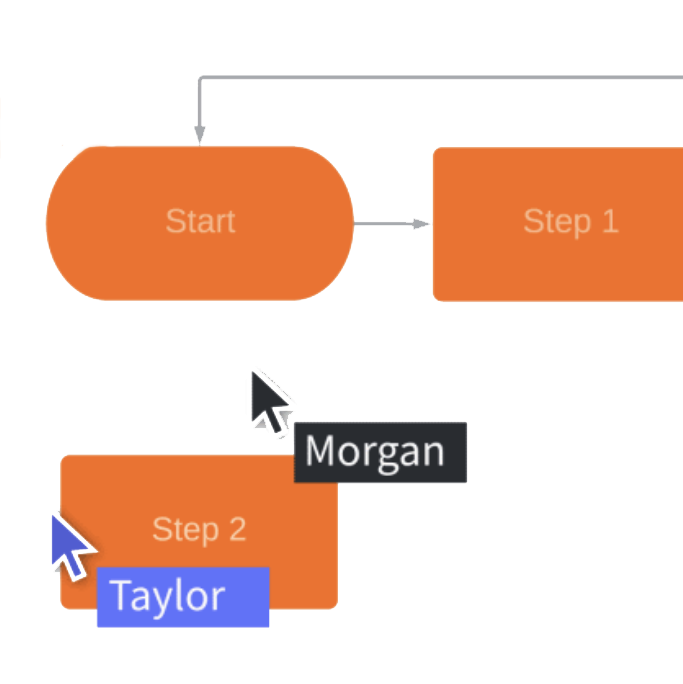
With Lucidchart, managers can quickly outline workflows with a high-level diagram to make sure everyone understands the procedures for their organization. Lucidchart makes it easy to provide everyone with access to the team’s process flow. When your remote employees complete tasks or make updates to their work, they can export it or publish a live link—keeping everyone on the team informed and always aware of the current state of a project in real time.