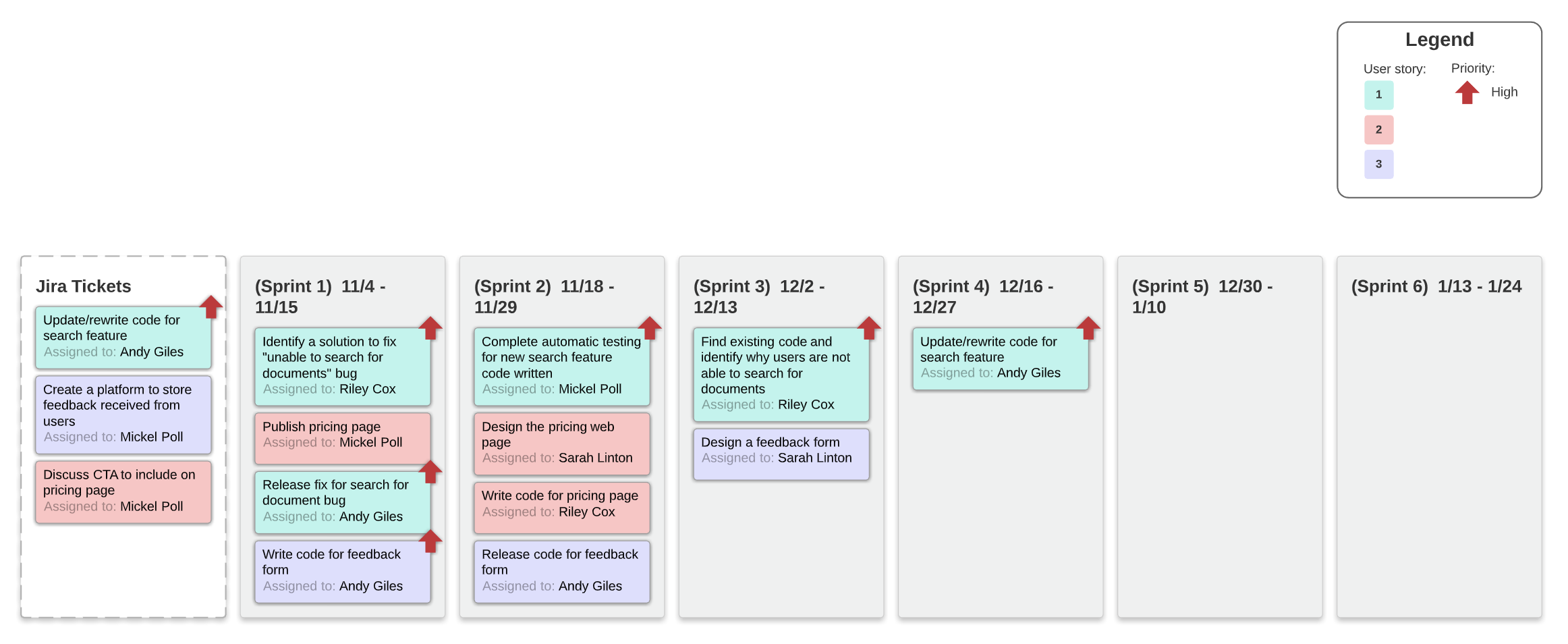
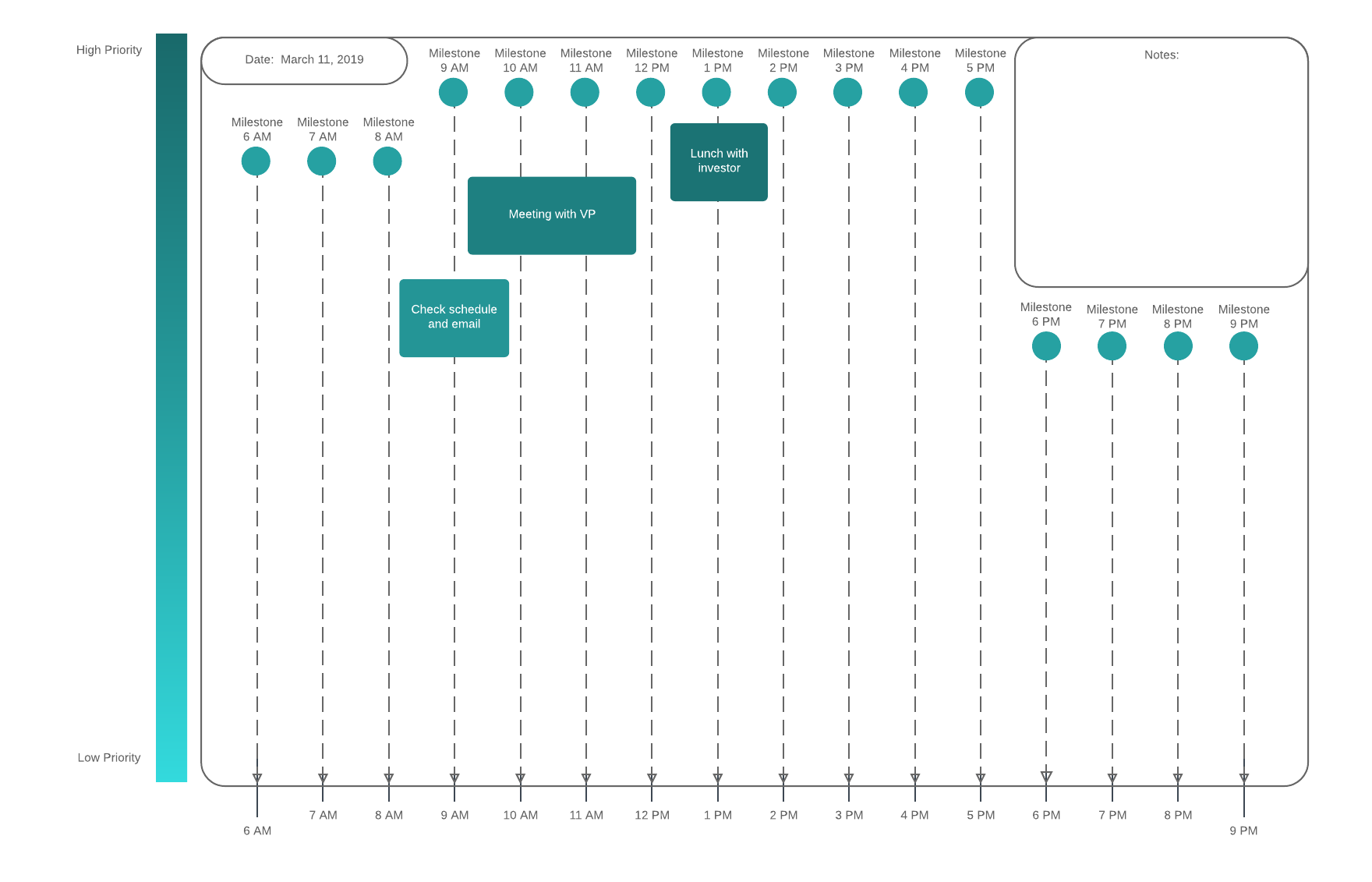
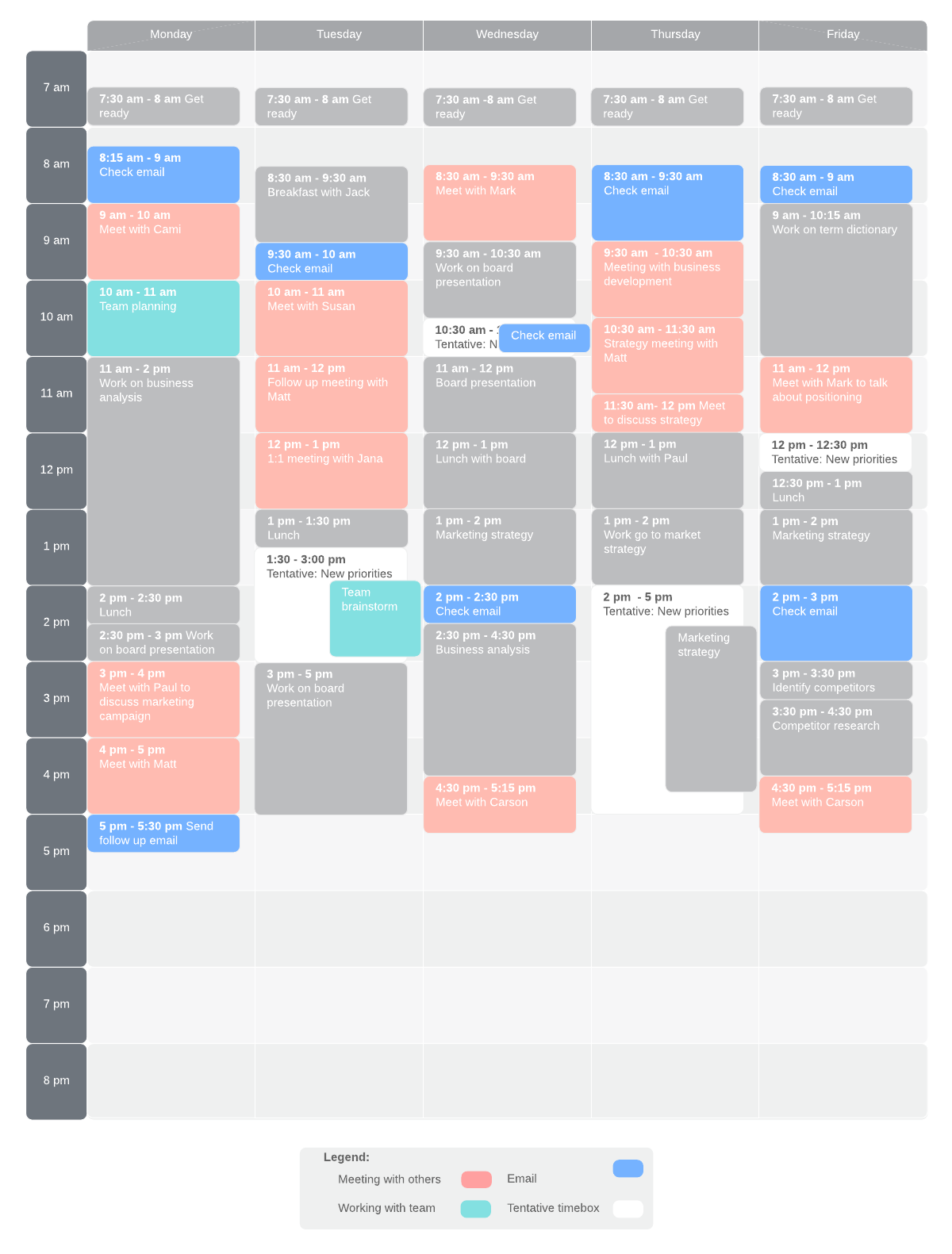
You can also use Lucidchart’s data linking feature to link your audit findings directly to your diagrams to better contextualize your data. Apply conditional formatting to quickly identify areas in your audit where unimportant work is taking up valuable time. This work could include answering unimportant emails, accepting courtesy invitations to meetings, etc.
Consider sharing your individual time audit with your manager—grant them commenting permissions to allow them to point out where your focus should be and which tasks might be taken off your plate.
Understand what work needs to be done
Take time to establish exactly what it is you wish to accomplish with your time. Whether you’re taking the first steps towards planning a project, rethinking your work routine, or renewing your commitment to time management, understanding your objectives is key.
With your goal firmly established, you can begin to consider what concrete steps need to be taken to maximize your time. If needed, consult with your team members, managers, or in the case of personal planning, family members to brainstorm which tasks should be added to your to-do list.
Pro tip: Use sticky notes in your initial brainstorming stages to quickly record ideas without worrying about where they fit in the schedule. You and your collaborators can import goals and objectives from any spreadsheet or CSV directly to Lucidchart for seamless brainstorming.
In Lucidchart, you can visually map out the requirements for your project or goal using wireframes, mockups, customer journey maps, or flowcharts, depending on the nature of your goals.
Use your visuals to confirm with yourself or stakeholders that you’ve included all the necessary objectives in your project. Our platform makes it easy to select a diagram template, plug in your information, share your visual with collaborators, and edit your document as objectives evolve.
Prioritize work and delegate tasks
A key element to any sort of time management is deciding which tasks are important, which tasks are urgent, and which tasks are both. Prioritizing each task can eliminate the guesswork in deciding when each task should be completed and how much time should be devoted to its completion.
Great for teams
Our visual workspace includes a number of templates to help you streamline the prioritization process. Begin by selecting a prioritization matrix template, and then plug in tasks based on your analysis of their importance, urgency, impact, and effort.
With the results of your prioritization in hand, you can then work with your team to determine various dependencies with a structured PERT chart or flowchart. Create a process chart to visualize roles and communicate responsibilities to your team members.