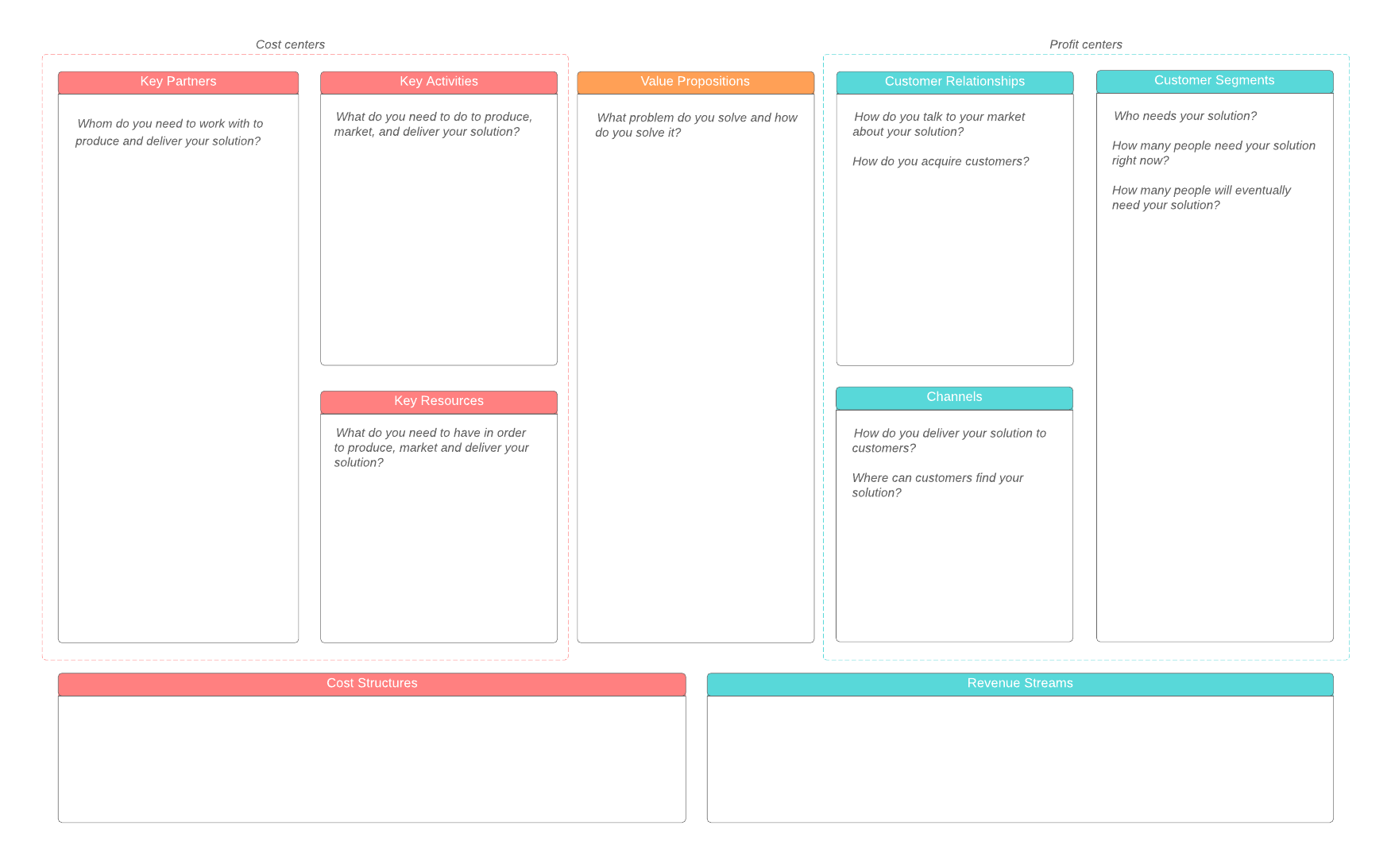
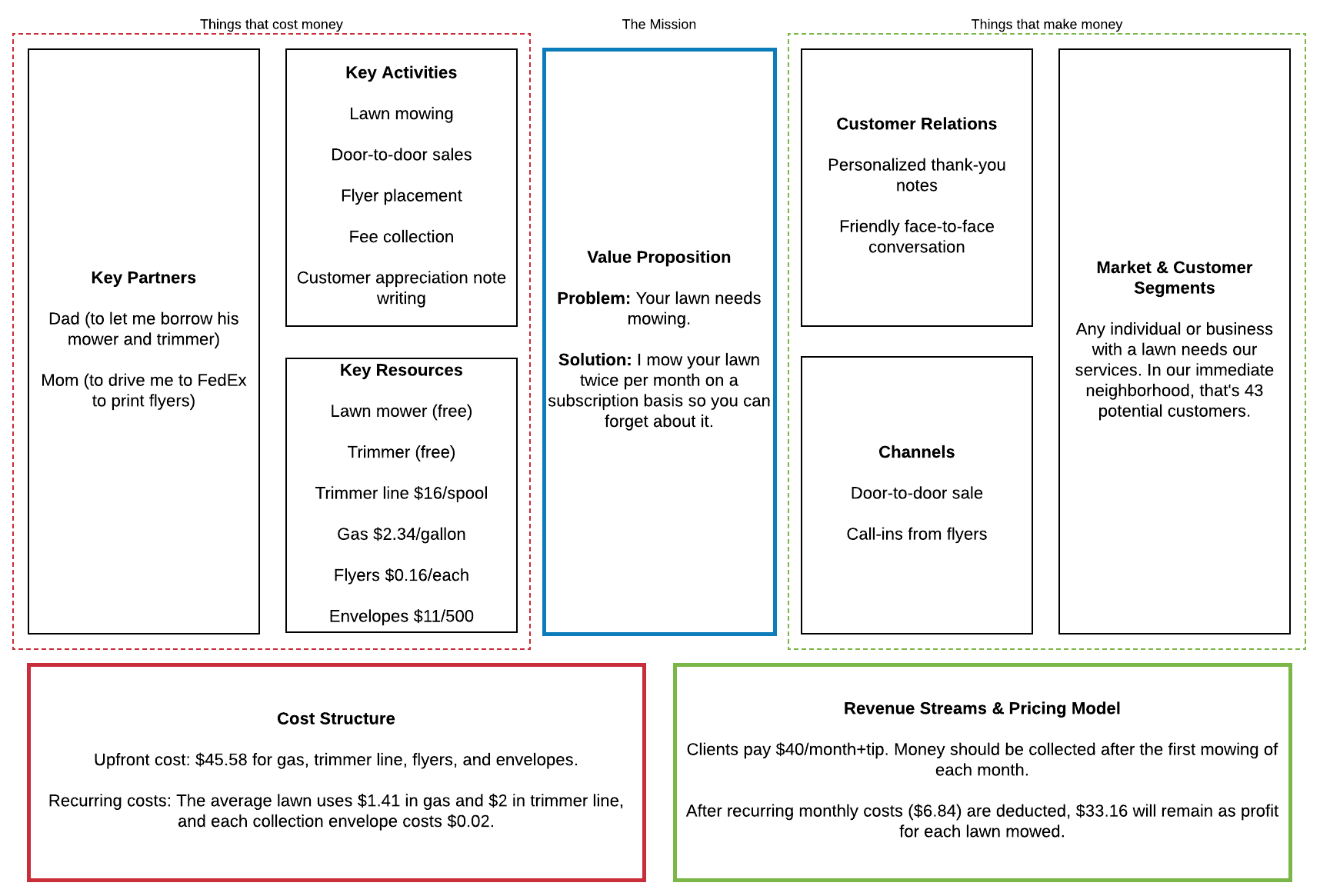
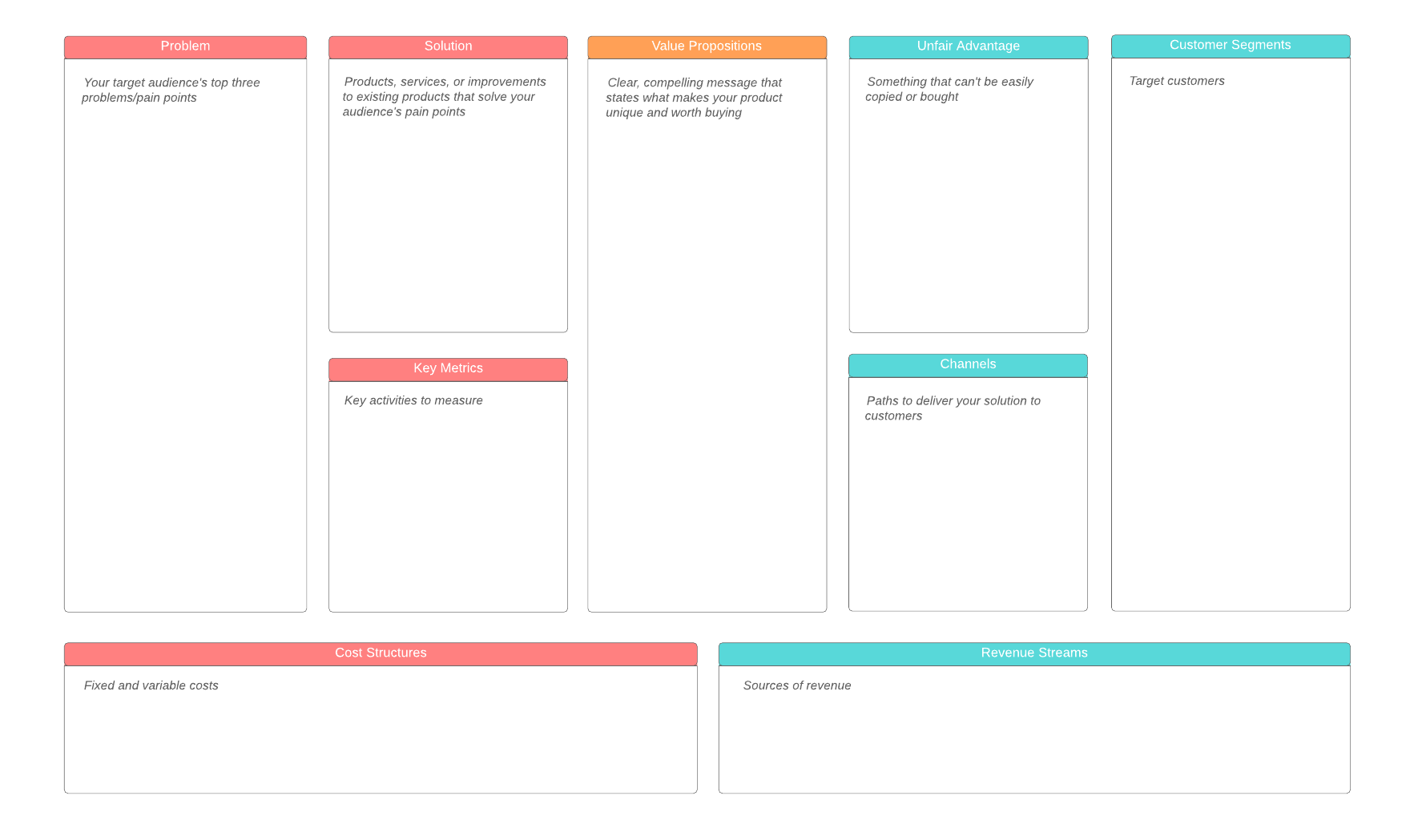
Like the Business Model Canvas, the Lean Canvas includes nine boxes on a one-page template. At first glance, the Business Model Canvas and the Lean Canvas look exactly alike, but there are key differences, noted below:
Problem
This box replaces the key partners section in the Business Model Canvas.
Identify what the problem is. Many businesses fail because they spend too much time, money, and resources on building the wrong product. You need to understand the customer’s problem first. To get started, list your customers’ top three problems and then list alternatives that may already exist that these customers use to solve these problems today.
Solution
This box replaces the key activities section in the Business Model Canvas.
After you have identified each problem, outline possible solutions you can use to solve them. These solutions can include new products/services and improvements to existing products.
Unique value proposition
Develop a message that is compelling, clear, and concise. This message should be able to turn unaware visitors into interested prospects.
Use this box to list what you propose to offer customers, and the value that this offering will provide. Think about what makes your offering different from others who are trying to solve the same problems.
Unfair advantage
This box replaces the customer relationships section in the Business Model Canvas.
This is where you identify your competitive advantage, the differentiator that makes your product or business unique and that is not easily copied.
Customer segments
You must understand who your customers are. You can’t know what they need or what their problems are if you don’t know who they are.
Describe your target audience and define what your relationship will be with them. You may have many customer segments, and you need to realize that they are tied together with their problems. You may need to think of problems and customers at the same time.
Key metrics
This box replaces the key resources section in the Business Model Canvas.
Metrics are a way to measure performance and to monitor progress toward achieving your business goals. List current numbers that describe how your business is doing today.
In addition, you may want to define the key metrics that you will use as indicators to measure future success. For example, how many units of a product need to be sold in order to earn a profit?
Channels
What channels will you use to reach your customers? List the marketing and advertising methods that you will use, such as print, radio, SEO, TV, and so on.
Cost structure
You have to spend money to make money. This section is where you list the costs that your business will have in order to develop and market your product, including research, technology, human resources, and so on. Be sure to include one-time and recurring costs.
Revenue streams
In this box, you will list where your money is going to come from. How are you going to price your product or service to ensure that you make a profit? You need to consider how much people are willing to pay and what the minimum is that you can charge in order to make a profit.
When would you use a Lean Canvas model?
The Business Model Canvas approaches business planning from a strategic angle. The Lean Canvas shifts to a problem/solution paradigm, which allows you to focus more on addressing customer needs. This is a good tool for startup businesses and entrepreneurs to use. Once you identify your customers and their problems, you can find solutions, describe value propositions, define your revenue streams, and so on.
How do you make a Lean Canvas model?
The best place to start working on a Lean Canvas is Lucidchart, where you can find a template to meet your needs. After you’ve opened a blank canvas, how do you fill it out? What is the correct order to use when filling in the boxes?
Ash Maurya, the person who developed the Lean Canvas, says that people frequently ask him, “Why isn’t the Lean Canvas laid out more logically?” According to Maurya, the main reason for the Lean Canvas layout was legacy. Instead of completely changing the layout of the original Business Model Canvas, Maurya chose to adopt a self-imposed design constraint where he replaced existing boxes with new boxes (for example, Problems replaced Key Partners).
If you have never filled out a Lean Canvas before, you might think that you should fill out the canvas from left to right. However, Maurya has suggested the following order:
- Problem
- Customer segments
- Unique value proposition
- Solution
- Unfair advantage
- Revenue streams
- Cost structure
- Key metrics
- Channels
Over the years, Maurya has tweaked his suggested fill order in an effort to get a better flow. When asked which fill order is correct, his answer is simple: There isn’t one.
You may want to start with a suggested fill order until you have a better idea of what works best for you and your company. For some plans, it may make more sense to start with identifying your customer segments and then moving on to your customer’s problems. Other times, it may be more appropriate to start with the problem that needs to be addressed.
However you decide is the best way to fill out your Lean Canvas model, be sure you work with Lucidchart. Start out with one of our templates to flesh out your ideas and to collaborate with team members.
Sign up for Lucidchart