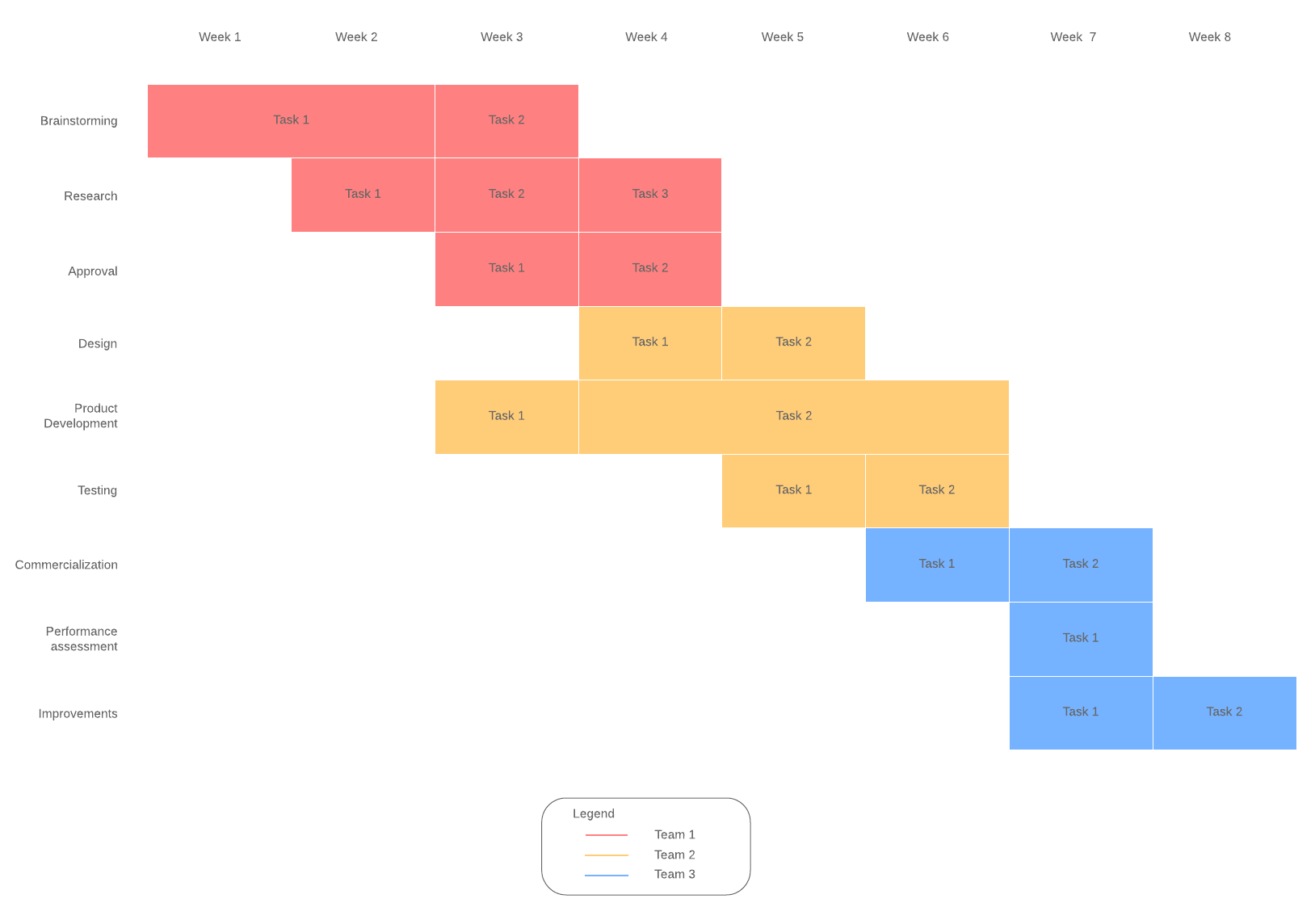
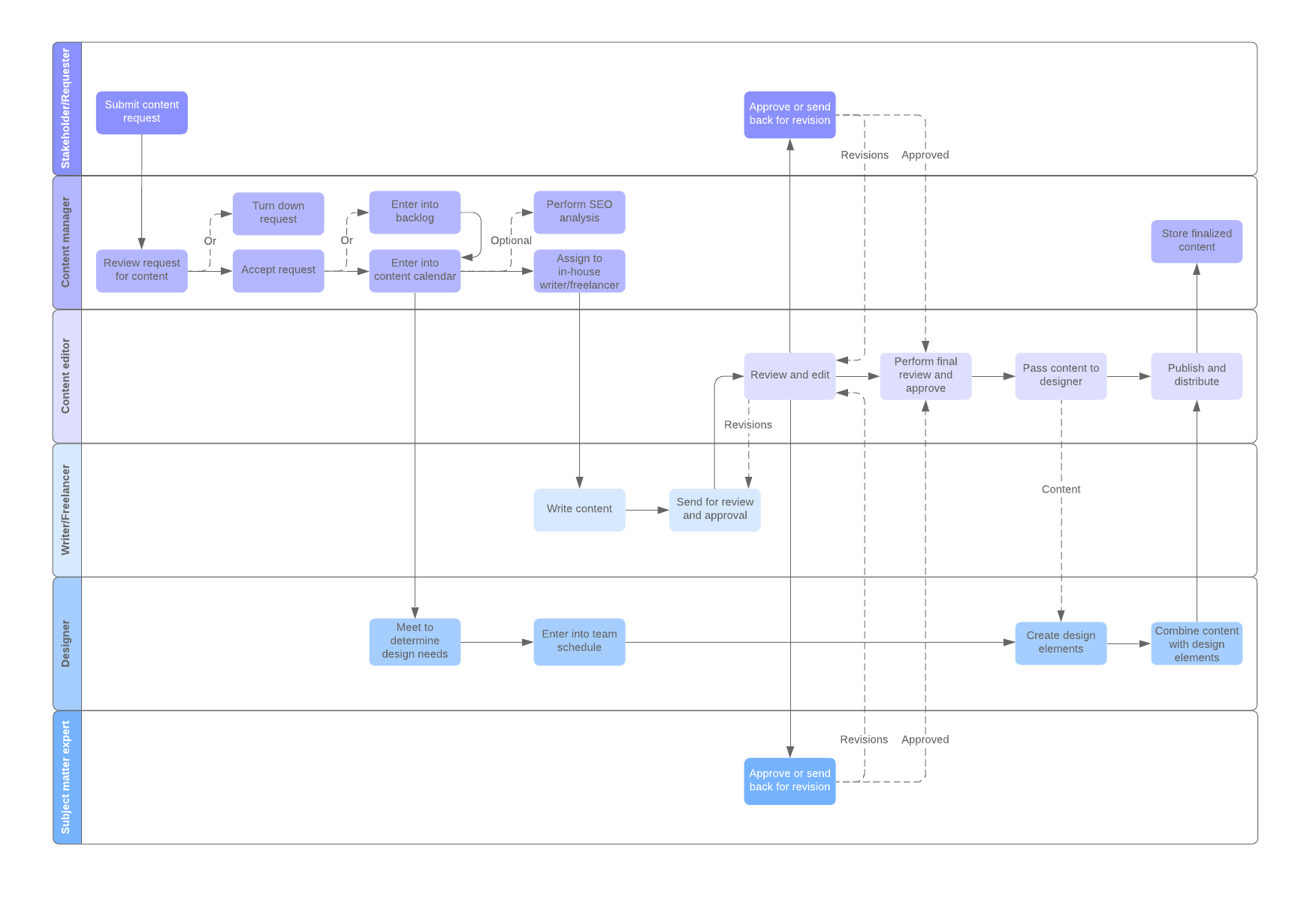
As industry and manufacturing grew, so did the workforce. The Gantt chart helped business managers and owners to figure out the most methodical and streamlined ways to get work done. Working with Gantt charts, managers were able to understand and track:
- What tasks needed to be completed
- Who was responsible for each task
- How long it takes to complete each task
Understanding this information made it easier to streamline processes and to ensure that the right people were assigned to the right tasks and that there were enough resources to complete the task.
Why do you need workflows?
You may have a good idea of what you need to do to get your job done, and you might be resistant to being tied to a strict process. That is understandable because people generally don’t like change. Often people get locked into thinking that what they are doing is the best way because it’s the way they’ve always done it.
However, it’s a good idea to look at creating a workflow for common procedures that are repeated often for the following reasons.
Improve business operations
By defining specific steps and sequences needed to complete a task, you can improve business operations by ensuring that the job is completed by the proper people, in the proper order, and within a specified timeframe.
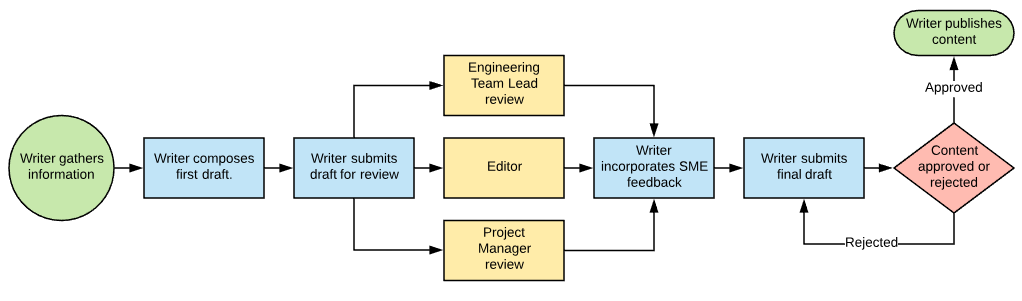
A workflow can be designed for one person or for a group of people whose roles and assigned depend on each other to complete the project. For example, a simple workflow could describe the process for approving content in a software installation guide:
- A technical writer documents the installation instructions based on information gathered from subject matter experts.
- The document is sent to subject matter experts for review.
- The writer incorporates changes based on the review.
- The document is sent for final review.
- Document is approved or rejected.
- (Rejected) Writer revises draft and submits again.
- (Accepted) Document is published.
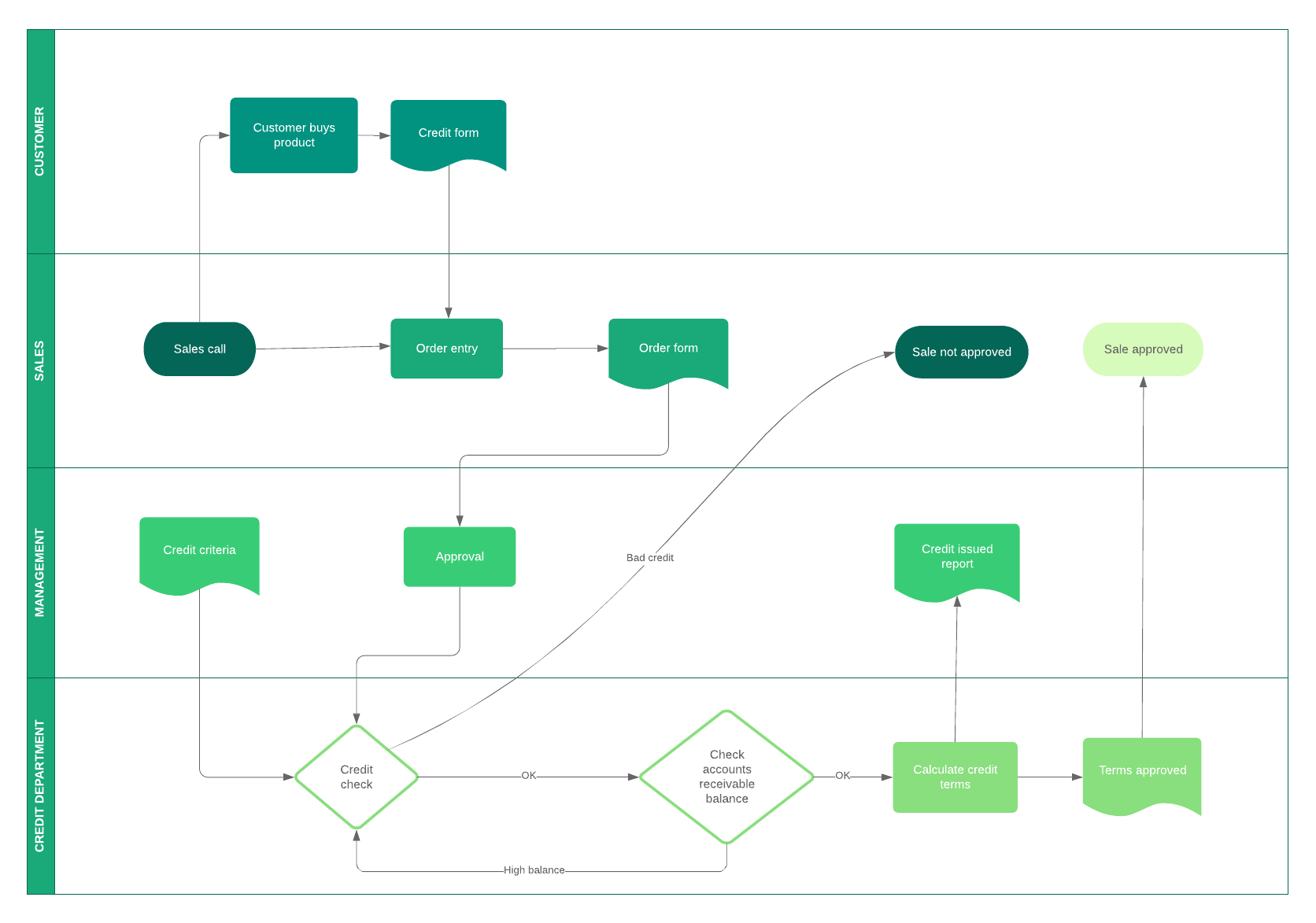
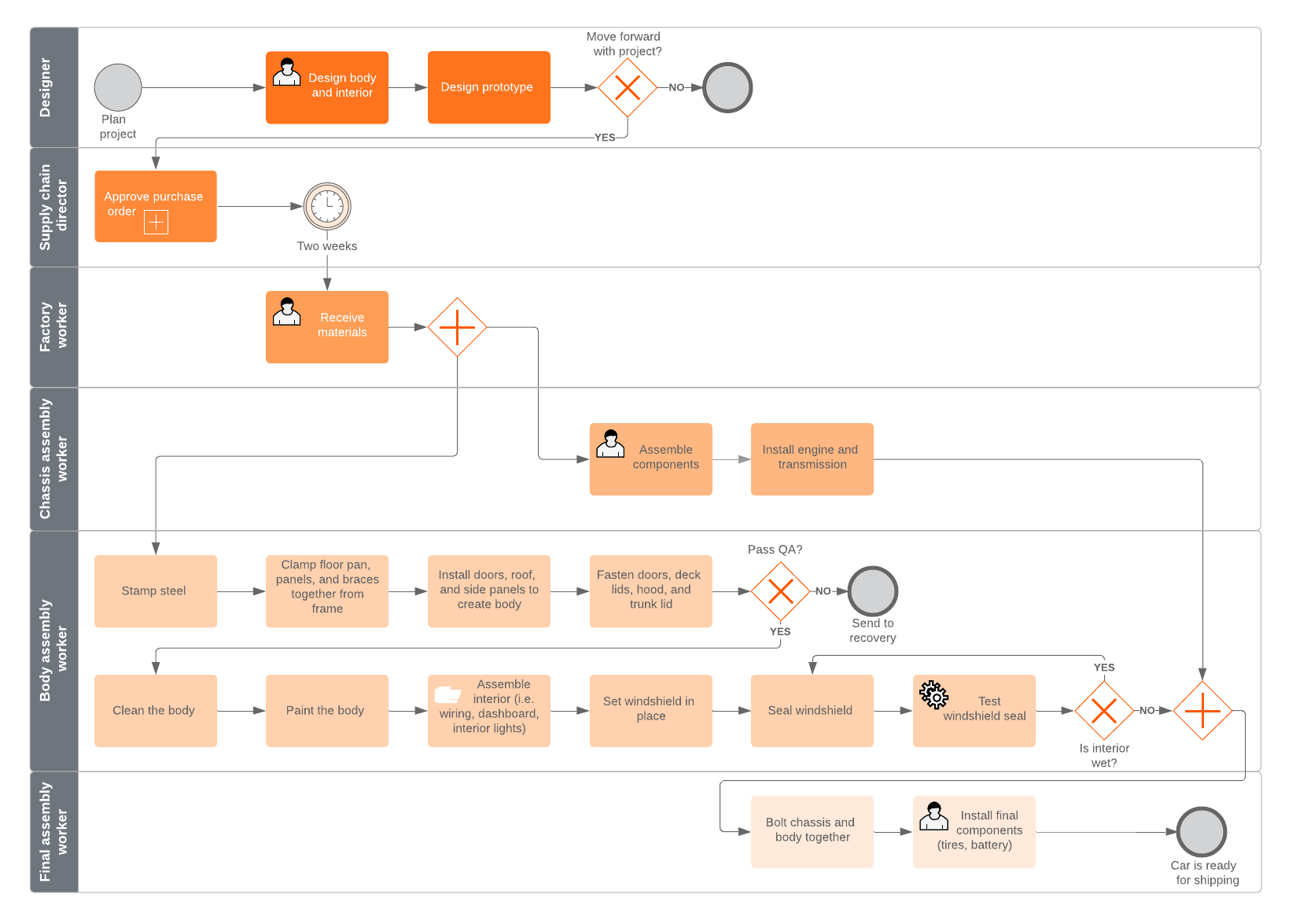
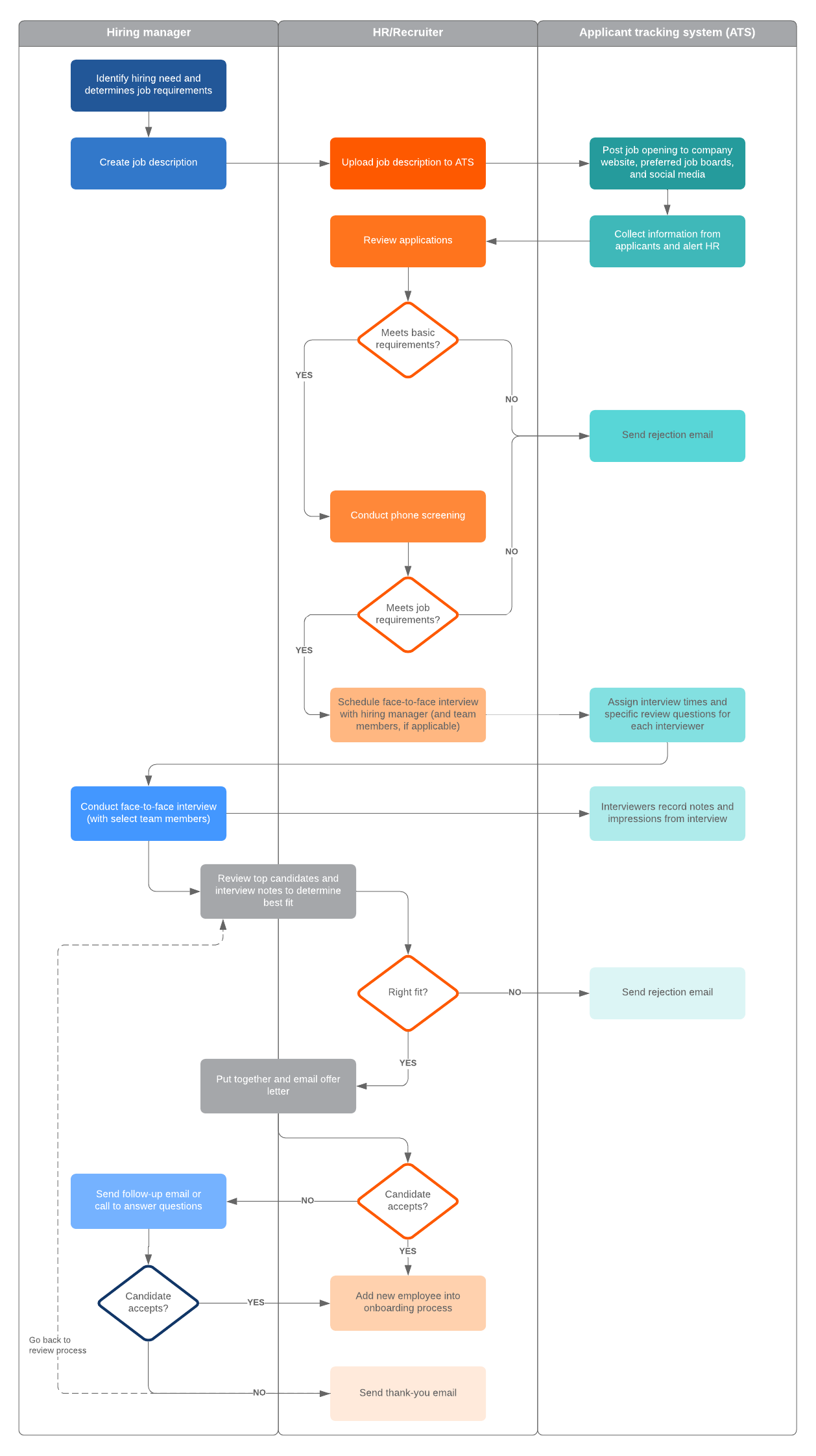
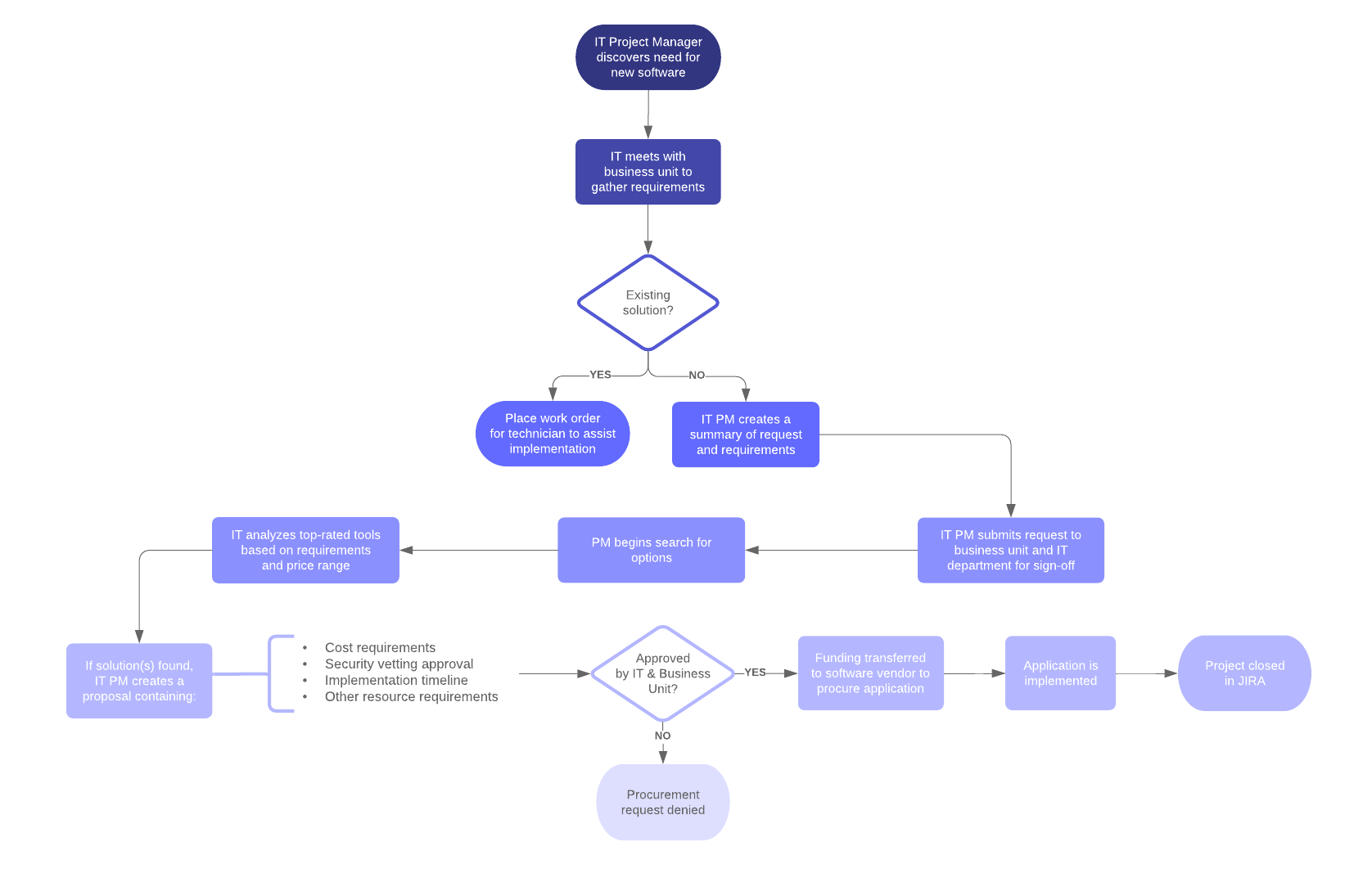
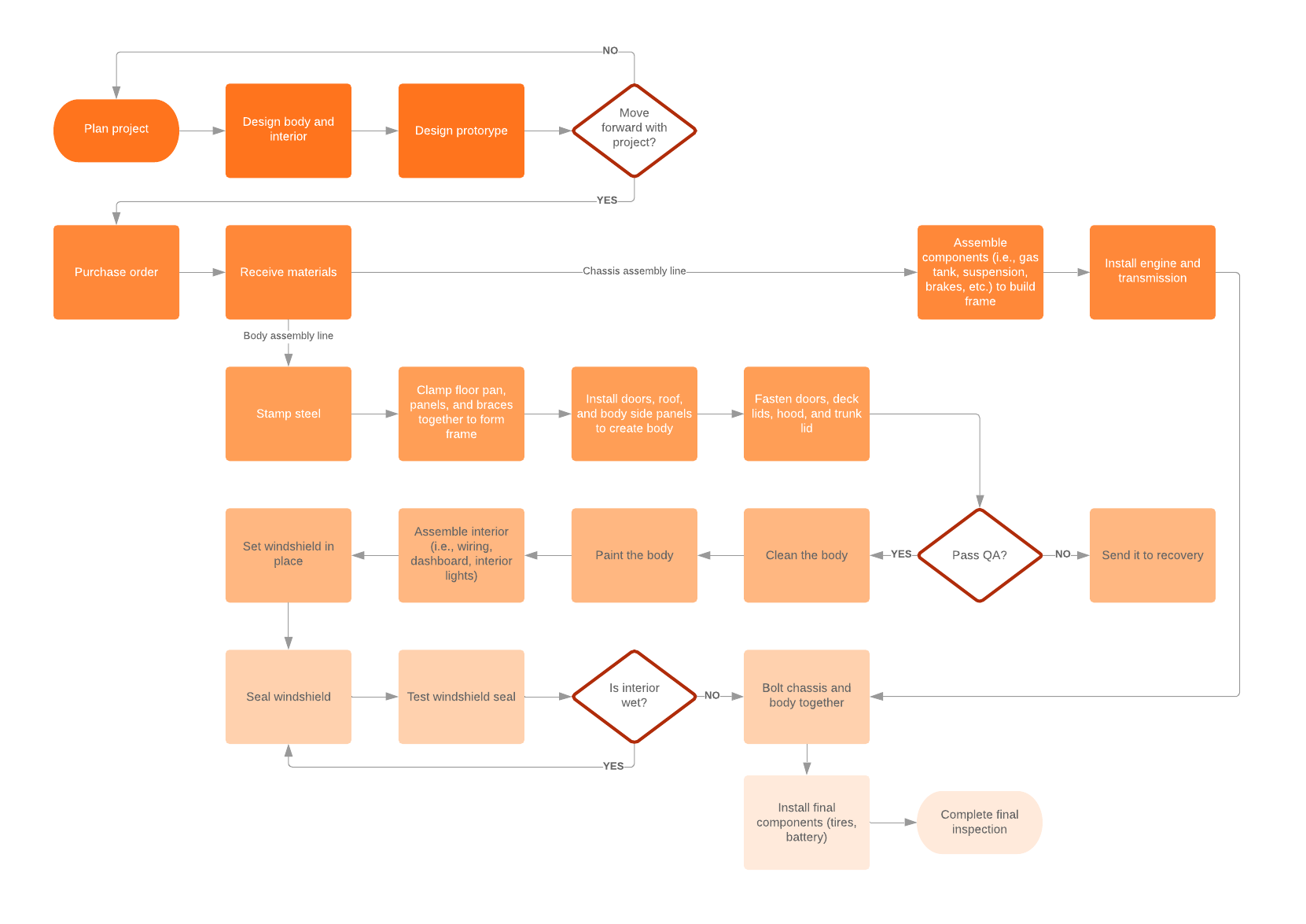
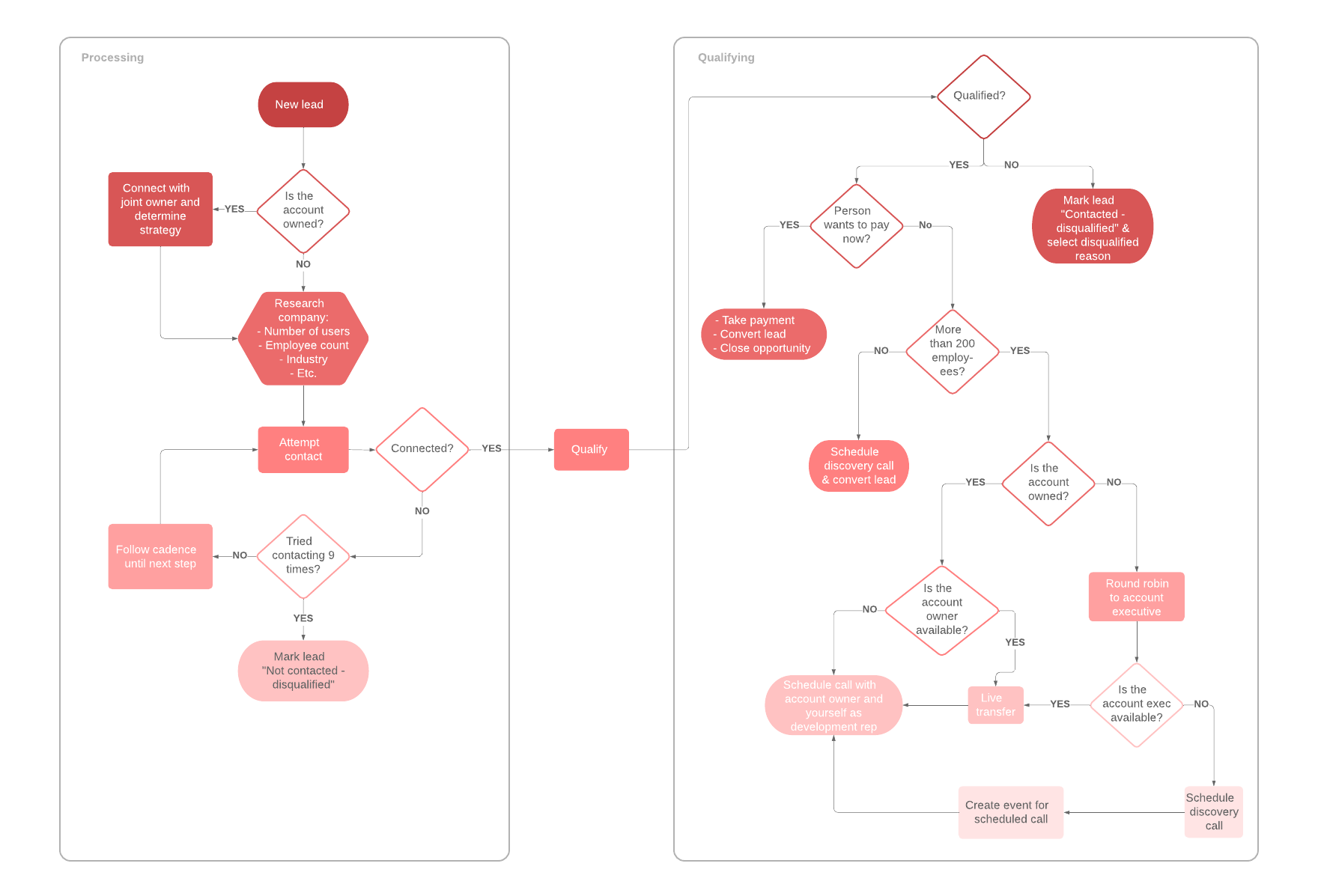
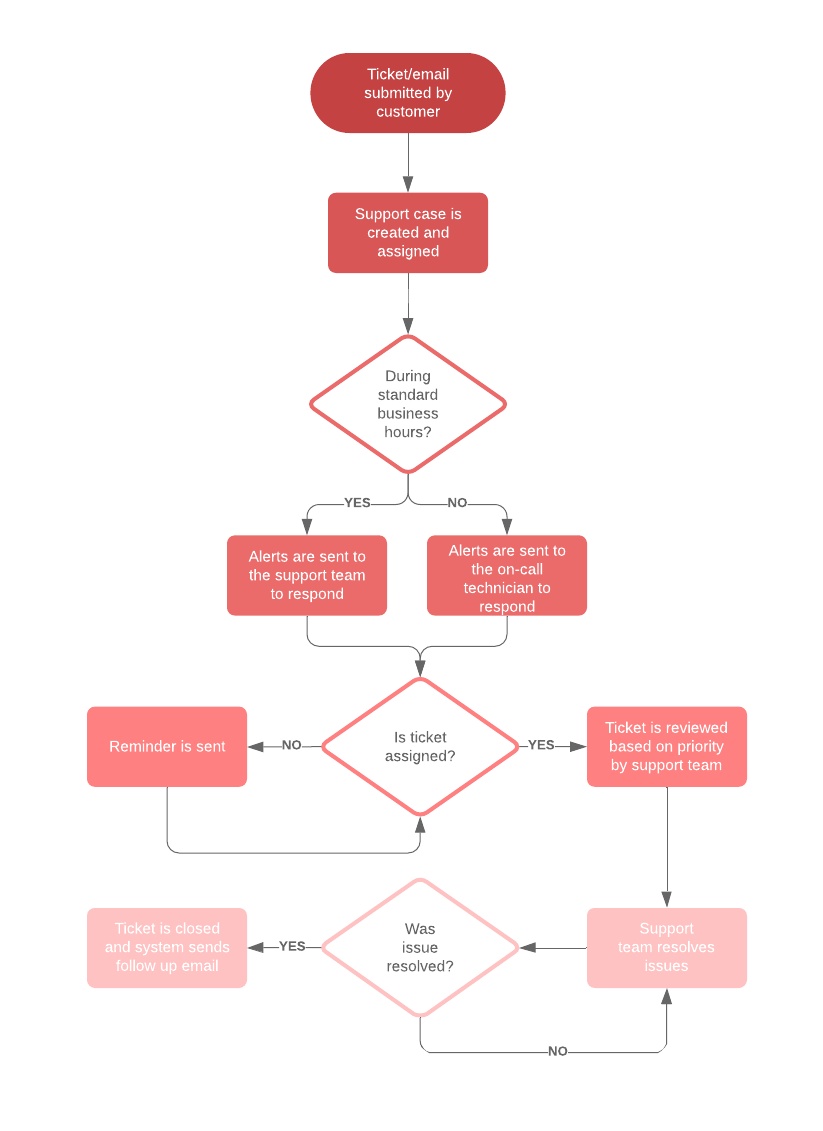
Writing down the steps is not exactly a workflow, but it is a good start. Formalizing and visualizing these workflows, like the example shown below, will help others understand these processes and make your business more efficient. We’ll show you how to diagram a workflow a little later.
Eliminate redundant processes and activities
Startup companies are usually small and have fewer processes and activities in place than more mature enterprises. Using workflow diagrams and updating them as the company grows can help you more easily detect redundancies and eliminate waste better than simply observing and trying to track workflows with your eyes.
Implementing workflow management into your daily activities allows you to see the entire operation from beginning to end. And it becomes easier for you to incorporate changes to improve workflow and get rid of unnecessary steps, roles, and activities.
Reduce operational expenses
A workflow diagram can help you define best practices and streamline your business operations. As processes are streamlined and work gets done faster, you may find that you need fewer resources to get the job done. This can lower your costs as your profits increase because you can still meet the same goals and objectives with fewer resources.
Quickly respond to issues or problems
In the old days, like the ’80s, workflow diagrams (or flowcharts) were drawn on paper, if they were drawn at all. It was a real chore to update these diagrams to address changes in processes. Because of this, some businesses were “set in their ways” and were inflexible and slow to respond to changing markets and evolving customer demands.
As the economy became more global and companies expanded beyond their native borders, it was more important to understand business processes and workflows so they could stay relevant in their markets. But the process of creating a workflow diagram was still very tedious and still on paper, meaning that workflows could become outdated very quickly after publication and implementation.
In the ’90s, workflow management software was created to replace the paper-based workflow diagrams with electronic-based flowcharts that could be saved on a computer and updated with a few clicks. By the year 2005, software-based workflow management systems became more robust with the addition of Business Process Modeling and Notation (BPMN) tools.
Moving the workflow and business modeling tasks into software-based systems made it much easier for managers to make changes to the diagram and respond to changes with just a few mouse clicks.