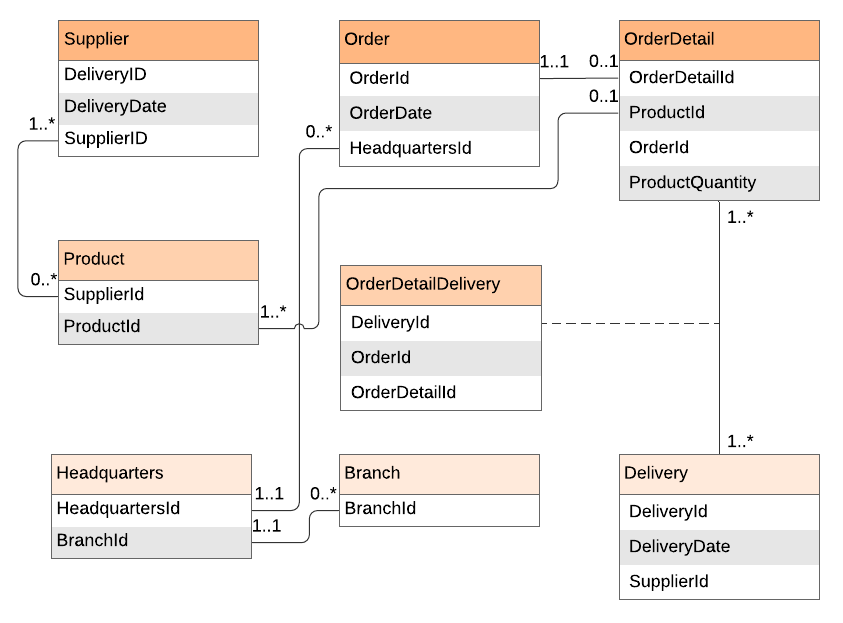
The role of the business analyst (BA) requires not only sound data analysis but effective data modeling. The right visual model streamlines data and makes it easy for stakeholders at every level to identify and understand project strategies, relationships, and responsibilities.
In the past, data modeling meant writing out processes in plain text or sketching out a basic diagram.
Fortunately, those days are over.
Today, a good BA is armed with a diverse toolbox of strategies and visual modeling techniques to help them drive successful project outcomes.
As you read more about business analysis models, remember that Lucidchart helps you create elegant diagrams with intuitive design solutions, ready-made shape libraries for consistent notation, and clear data linking and formatting for dynamic data modeling and sharing.
Choose from a variety of business analysis templates to get a jump on your next project today. (Note that some templates contain advanced features that require a paid Lucidchart subscription.)
What is a business analysis model?
Simply put, a business analysis model outlines the steps a business takes to complete a specific process, such as ordering a product or onboarding a new hire. Process modeling (or mapping) is key to improving process efficiency, training, and even complying with industry regulations.
Because there are many different kinds of processes, organizations, and functions within a business, BAs employ a variety of visual models to map and analyze data.
Take a look at these nine essential business analysis models to include in your toolbox.
1. Activity diagrams
An activity diagram is a type of UML behavioral diagram that describes what needs to happen in a system. They are particularly useful for communicating processes and procedures to stakeholders from both the business and development teams.
A BA might use a UML diagram tool like Lucidchart to create an activity diagram to map the process of logging in to a website or completing a transaction, like withdrawing or depositing money.
2. Feature mind maps
Business diagrams aren’t just for late-stage analysis or documentation. They are also useful during a project’s initial brainstorming phase. Feature mind maps help BAs organize the sometimes messy brainstorm process so that ideas, concerns, and requests are clearly captured and categorized.
This visual ensures initial details and ideas don’t fall through the cracks so you can make informed decisions about project direction, goals, and scope down the line.
3. Product roadmaps
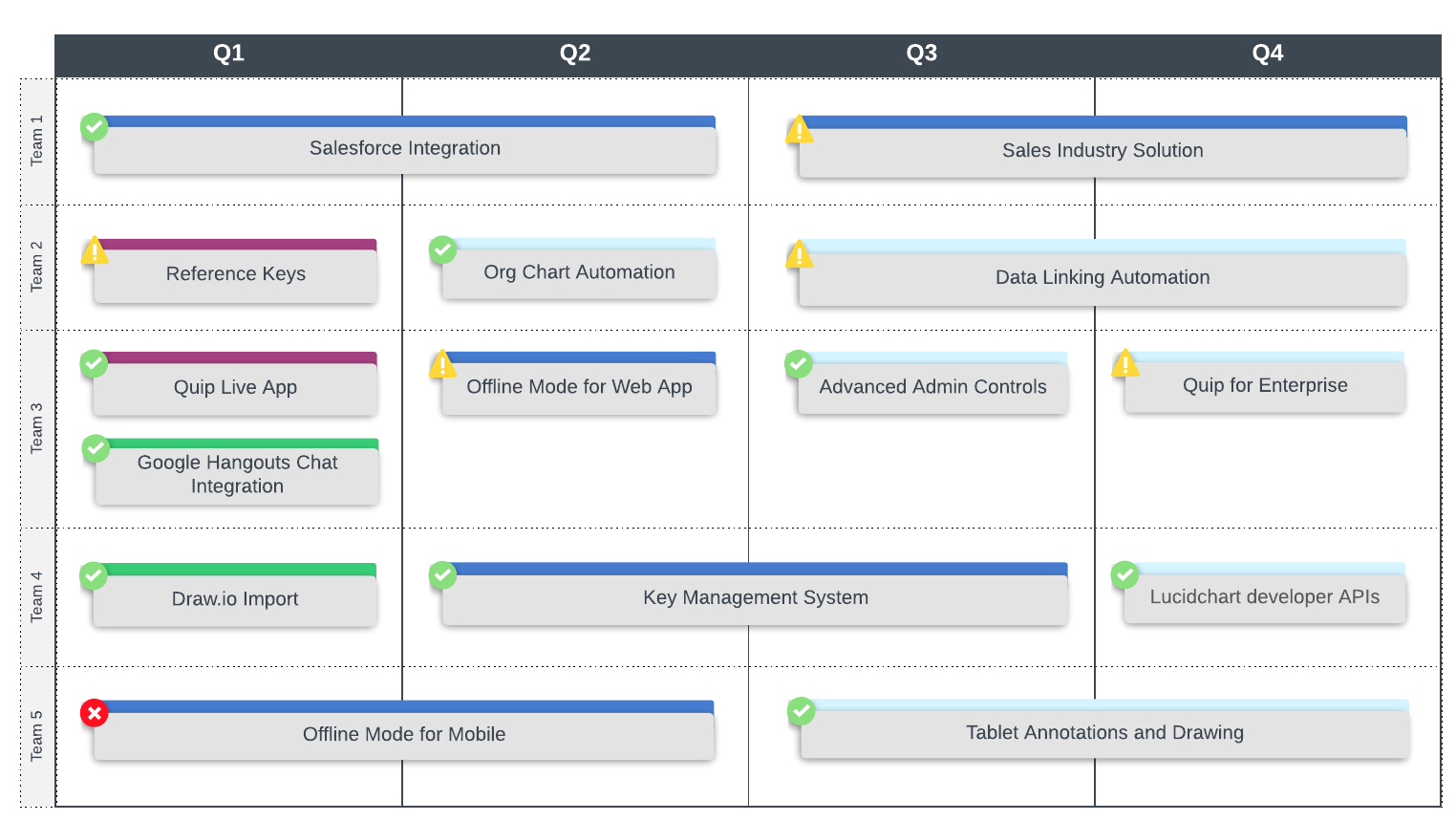
A product (or feature) roadmap outlines the development and launches of a product and its features. They are a focused analysis of a product’s evolution, which helps developers and other stakeholders focus on initiatives that add direct value to the user.
The beauty of product roadmaps lies in their flexibility and range of applications. BAs can create different product roadmaps to illustrate different information, including:
- Maintenance and bug fixes
- Feature releases
- High-level strategic product goals
While product roadmaps are commonly used internally by development teams, they are also useful resources for other groups like sales teams.
A defined product outline and schedule helps the sales team stay on the same page as the developers so they can deliver accurate, updated information to their prospects and clients. Because of product roadmaps' versatility and broad applications across teams and organizations, they are a core part of an analyst’s toolbox.
In Lucidchart, you can link data to and set conditional formatting within your product roadmap to quickly monitor your progress. Check out the template below to learn more.